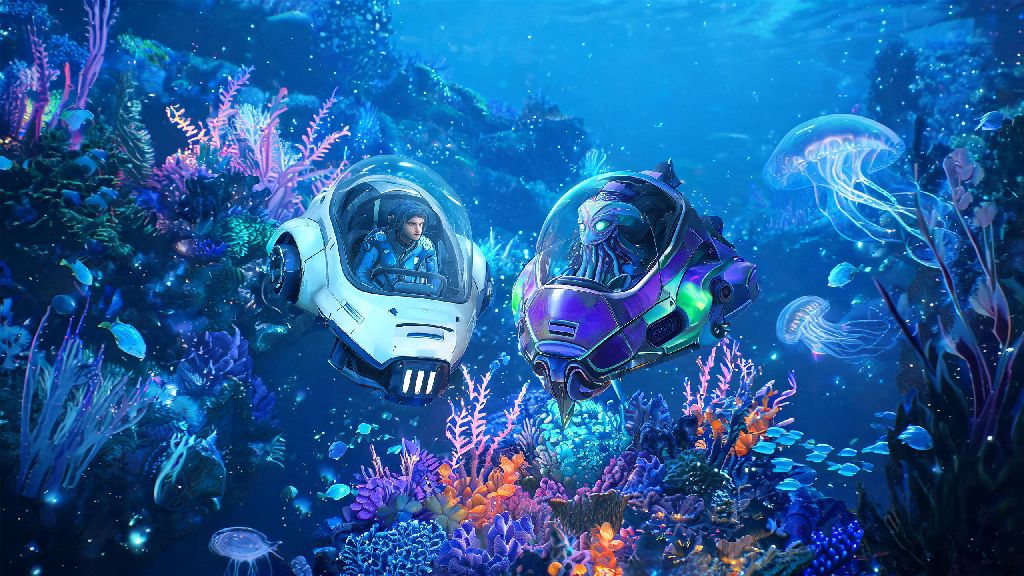
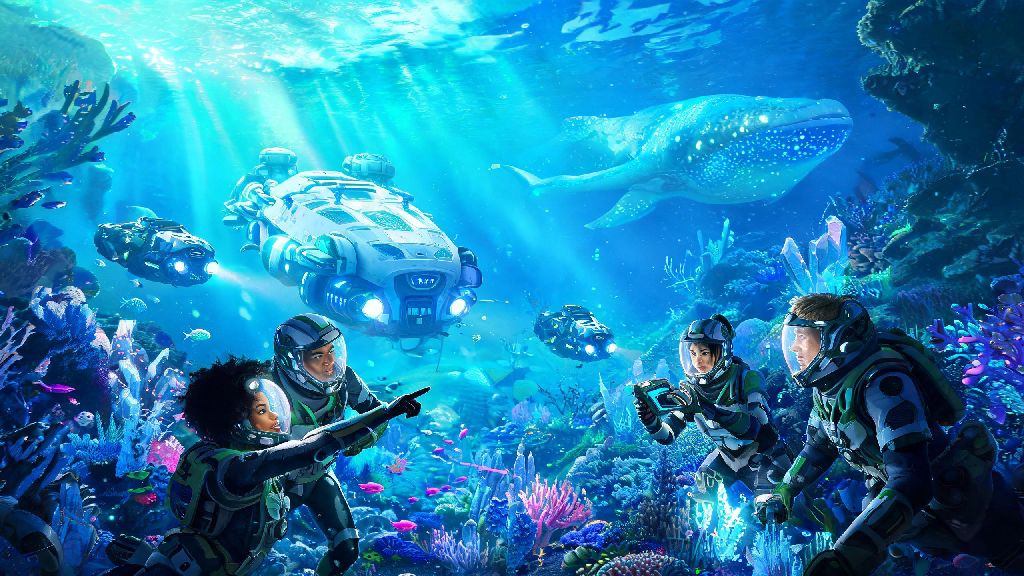
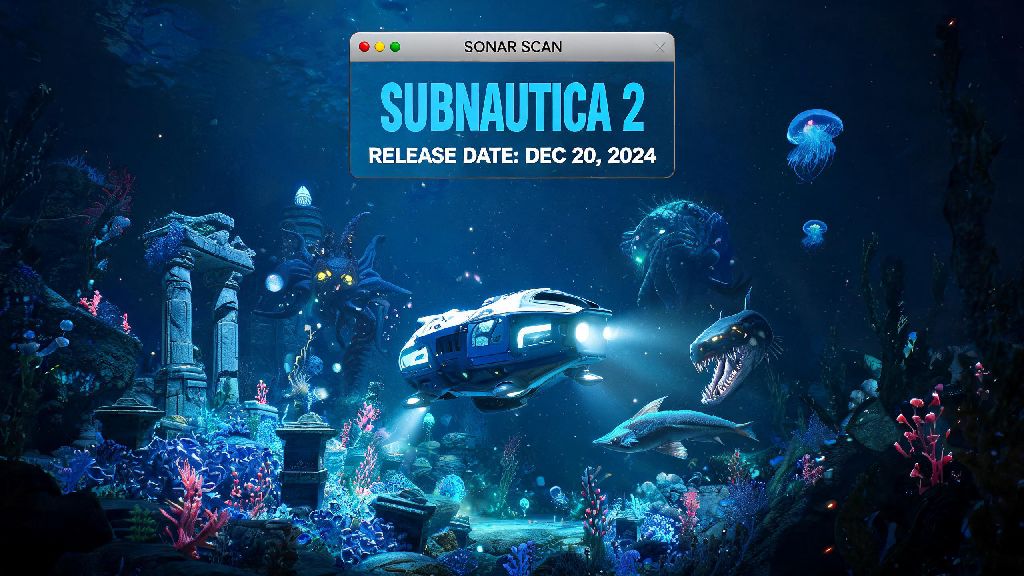
If you’ve spent hours diving through the bioluminescent waters of Planet 4546B, dodging leviathans and scanning alien flora to keep your oxygen gauge full, you’ve probably wondered at some point: can you play 2 player in Subnautica? There’s nothing better than sharing the thrill of finding a new wreck or the panic of a Reaper Leviathan sneaking up on you with a friend, after all. The base game’s isolated survival vibe is iconic, but many players crave the chance to team up instead of exploring alone. We’ve tested every available method to play with a second player, so you don’t have to waste hours troubleshooting broken mods or confusing workarounds.
Can You Play 2 Player in Subnautica Officially?
If you’re hoping for native co-op support without extra downloads or workarounds, you’re going to be disappointed. Developer Unknown Worlds Entertainment built Subnautica from the ground up as a single-player experience, and has repeatedly confirmed there are no plans to add official 2 player or co-op functionality to the original game or its sequel, Subnautica: Below Zero.
The reason for this choice comes down to core game design. Most of Subnautica’s systems, from world chunk loading to creature AI to save file structure, were built to support only one player at a time. The dev team has stated that adding official co-op would require rewriting roughly 70% of the game’s existing code, a project that would take years and pull resources away from new game development. There is no native 2 player or co-op support for any official release of Subnautica or Subnautica: Below Zero on any platform, including PC, PlayStation, Xbox, and Switch.
I was pretty frustrated when I first learned this, honestly. I’d already spent an hour brainstorming how my roommate and I would split resource gathering and exploration duties before I checked the official forums. The good news is that the game’s active modding community has stepped in to fill the gap for PC players.
Top Mods to Enable 2 Player Co-op in Subnautica
For PC players, there is one reliable, widely tested mod that lets you play 2 player (or even larger groups) in the original Subnautica: Nitrox. This open-source mod has been in active development for over six years, with regular updates to fix bugs, improve sync, and add support for the latest game patches. There are no stable co-op mods available for Subnautica: Below Zero as of now, as most related projects were abandoned a few years ago.
Nitrox is far more polished than most fan-made co-op mods for single-player games, with features that make 2 player play feel almost native. Key features include:
- Support for up to 10 players (though 2 player runs are the most stable for new users)
- Shared world progression, including unlocked blueprints, built bases, and story progress
- Sync for creature movements, resource spawns, and vehicle controls so both players see the same game state
- Cross-play support between Windows and Linux users for the Steam version of the game
The mod only works with the Steam or Epic Games PC release of the original Subnautica, so console players and Game Pass users won’t be able to use it right now. Only download the Nitrox mod from its official distribution channels to avoid malware or broken builds. I tested the mod with a friend last month, and we only ran into one minor desync issue in 12 hours of play, which was fixed with a quick server restart.
Step-by-Step Setup for 2 Player Subnautica Play
Setting up the mod for 2 player play is straightforward as long as you follow the steps carefully, and most users can get a server running in less than 10 minutes. It’s normal to run into small hiccups when you first get 2 player Subnautica running, but most issues are easy to fix with a quick search of the mod’s official support forum.
First, both players need to have the exact same version of the original Subnautica installed, with no other mods enabled unless they are explicitly marked as compatible with Nitrox. Both players then download the Nitrox installer that matches their game version, and run it to install the mod to their Subnautica game folder. The host will then open the Nitrox launcher, select whether to create a new co-op save or load an existing single-player save, and start the server.
If you’re playing in the same house, the second player can join using the host’s local IP address, no extra setup required. If you’re playing over the internet, the host will need to share their public IP address with the second player, who enters it in the Nitrox launcher’s join menu. If you’re playing over the internet, the host will need to port forward 11000 on their router to avoid connection errors. If port forwarding sounds too complicated, you can use a free LAN tunneling app to connect without adjusting your router settings.
It’s always best to start a new save for co-op play, as loading an existing single-player save can cause bugs with story triggers you’ve already completed. Always back up your single-player saves before using them with the co-op mod to avoid permanent data loss.
Top Tips for Smooth 2 Player Subnautica Gameplay
Once you have your server up and running, a few simple tips will help you avoid common frustrations and make the most of your co-op playthrough. The biggest adjustment from single-player is remembering that the game loads world chunks based on the host’s position, so you’ll need to adjust your play style a bit to avoid lag or desync.
Split roles early to cut down on grind and keep both players engaged. One player can focus on gathering basic resources like titanium and copper, building out your base, and crafting supplies, while the other can focus on exploring new biomes, scanning for blueprints, and mapping out wrecks and leviathan positions. We found this split made the early game go twice as fast as our single-player runs, and we didn’t end up duplicating work as often.
Stick relatively close to each other for the first few hours of play, especially when you’re exploring new biomes. If the second player wanders too far from the host, their game will struggle to load chunks, leading to lag, missing assets, or even getting stuck in unloaded terrain. My friend and I made the mistake of splitting up to explore the Lost River early on, and I ended up stuck in a wall for 10 minutes until he came close enough for my game to load the area properly.
Use a third-party voice chat app while playing, as the Nitrox mod doesn’t have built-in text or voice chat. This makes it way easier to coordinate resource runs, warn each other about nearby leviathans, or call for help if you run out of oxygen far from base. Don’t take the Cyclops out with two players unless you’ve tested it first, as vehicle sync issues are still fairly common in the latest mod build. We had our Cyclops disappear entirely on our first test run, so we stuck to using separate Seamoths for exploration after that.
At the end of the day, the answer to can you play 2 player in Subnautica is a qualified yes, as long as you’re playing on PC and willing to install a community-made mod. The lack of official support might be a letdown for console players, but the Nitrox mod is so polished that most players won’t notice a difference between it and a native co-op feature once they get it set up. You’ll run into occasional small bugs, but the fun of exploring the depths of Planet 4546B with a friend more than makes up for the minor inconveniences. Just make sure to follow the setup steps carefully, back up your saves, and keep an eye out for Reapers that might sneak up on both of you at once.