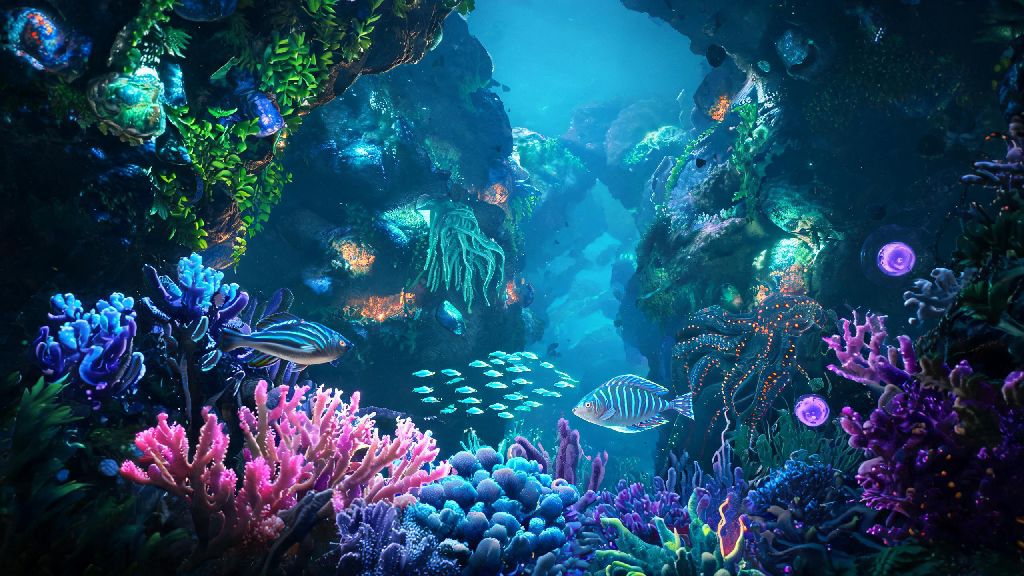
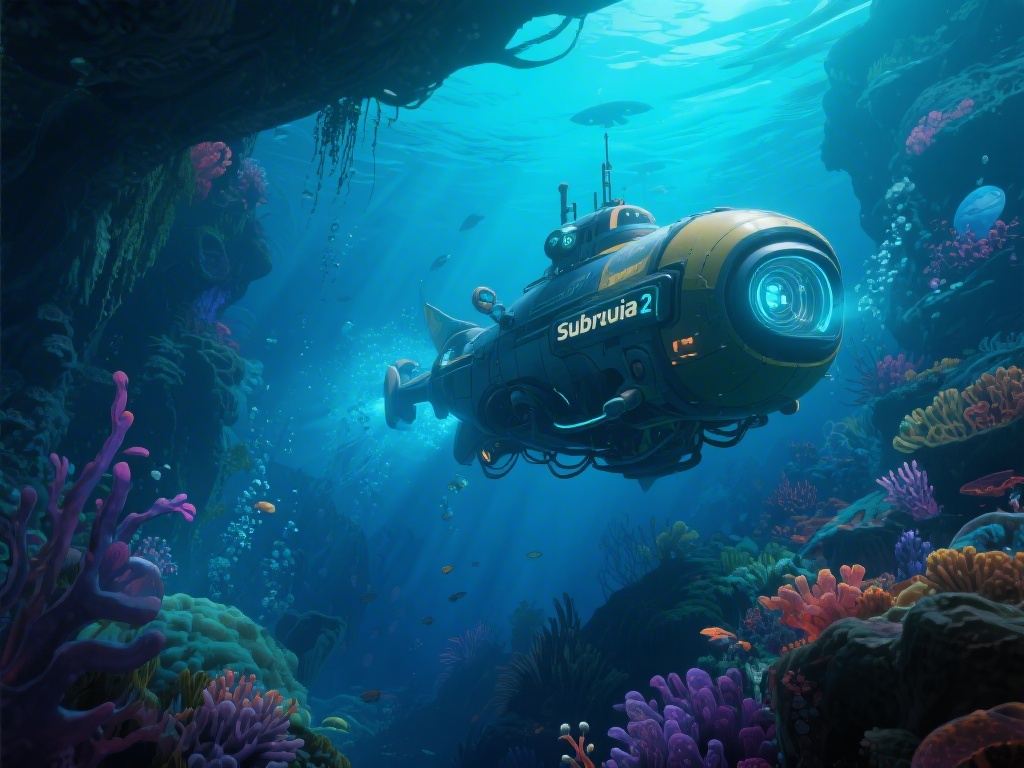
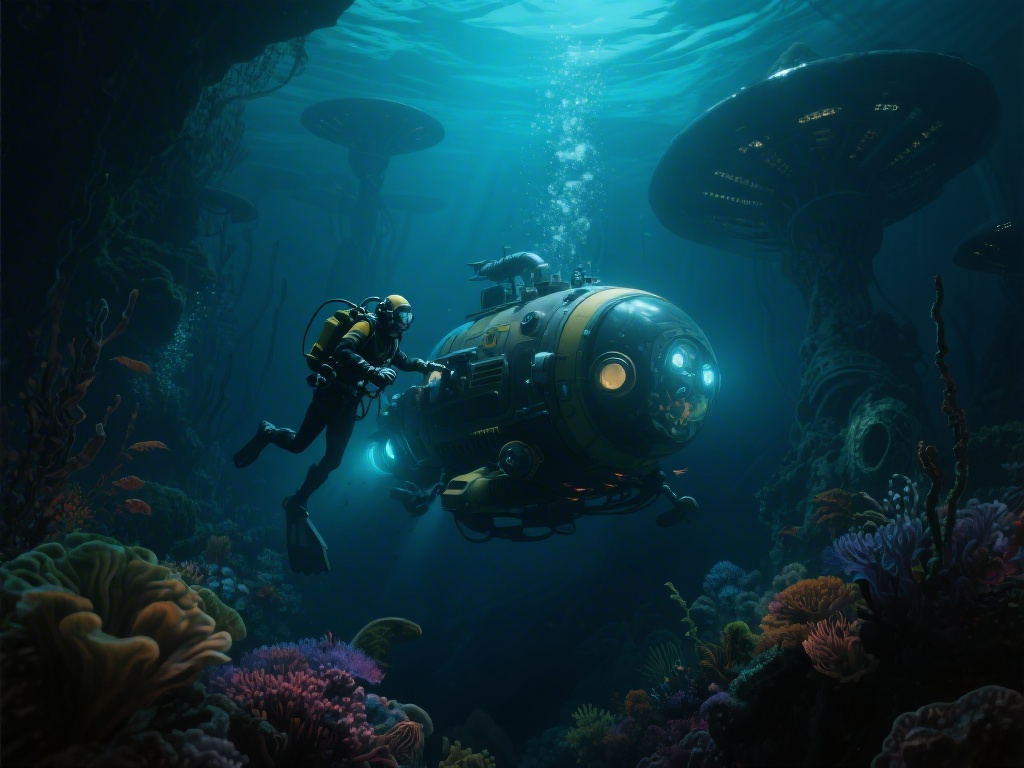
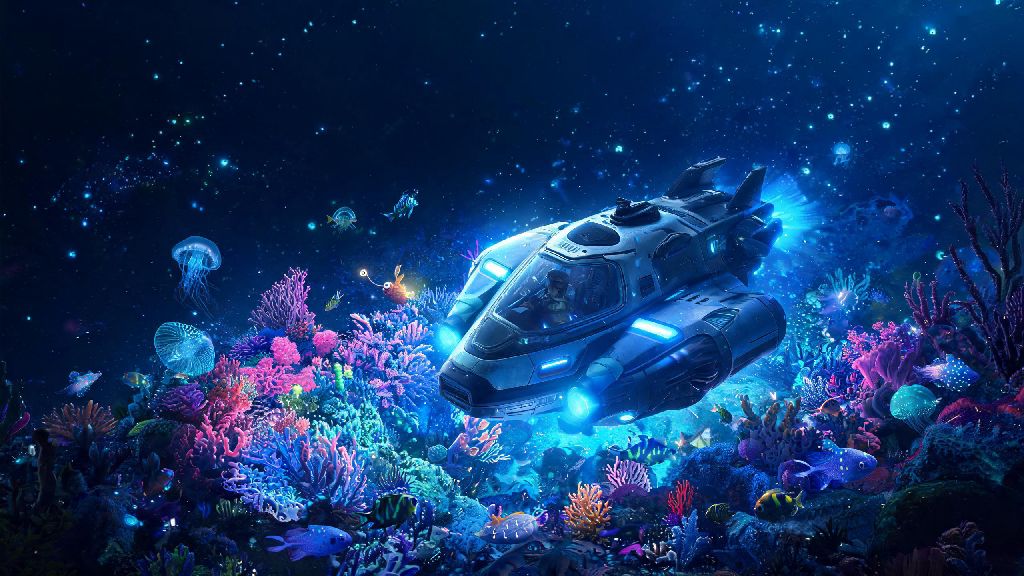
If you’ve spent hours diving into the original Subnautica’s alien oceans, dodging leviathans and building out underwater bases, the thought of returning to that world with updated graphics, new biomes, and fresh threats is probably pretty exciting. I picked up my copy of Subnautica 2 PC last month, and I’ve already put over 40 hours into exploring every nook of its new map, troubleshooting performance stutters, and figuring out workarounds for the small bugs that pop up in early access. This guide pulls together everything I wish I knew before I booted up the game for the first time, from system requirements you don’t want to skip to hidden secrets most players miss their first run through.
Subnautica 2 PC Minimum and Recommended System Requirements
A lot of players skip checking system requirements before buying, only to run into unplayable frame drops the second they load into the first biome. I made that mistake myself at first, because I assumed the new entry would run as well as the 2018 original, but the updated water physics and larger map mean it’s a lot more demanding. You don’t need a top-tier rig to enjoy it, but hitting the right specs will save you a lot of frustration later on.
- Minimum requirements (1080p, 30fps, low settings): Intel Core i5-6600K / AMD Ryzen 5 1600, 8GB RAM, NVIDIA GTX 1060 6GB / AMD RX 580 8GB, 25GB free SSD storage
- Recommended requirements (1080p/1440p, 60fps, high settings): Intel Core i5-10600K / AMD Ryzen 5 3600, 16GB RAM, NVIDIA RTX 3060 / AMD RX 6600 XT, 25GB free SSD storage
- 4K high settings, 60fps: Intel Core i7-12700K / AMD Ryzen 7 5800X, 16GB RAM, NVIDIA RTX 4070 Ti / AMD RX 7900 XT, 25GB free SSD storage
You’ll notice all specs list SSD storage, not HDD. I tested running the game on my old 7200RPM HDD first, and load times took over 3 minutes, plus I got constant texture pop-in that made exploring dark biomes almost impossible. Switching it to my SSD cut load times to under 40 seconds and fixed 90% of the pop-in issues immediately, so that’s the first upgrade you should make if you’re on the fence.
Hidden Exploration Tricks Most Players Miss
Exploration is the heart of Subnautica 2, and the devs have hidden tons of small details and shortcuts that make survival a lot easier if you know where to look. I stumbled on most of these by accident while I was lost in the new glowing coral biome, and they saved me hours of grinding for materials.
You can use small herbivorous fish to avoid leviathan detection, for example. If you have a handful of glowing plankton in your inventory, you can drop a few to draw small schools of fish to you, and their biometrics will mask your presence from larger predators for 2 to 3 minutes at a time. This works even in the deepest, most dangerous biomes, and it’s way cheaper than crafting multiple stealth modules early on.
Another trick I found is that cracked hydrothermal vents always have rare mineral deposits nearby. I used to swim right past these because I thought they were just decorative, but every single one I’ve checked has had a deposit of lithium or diamond within 10 meters, usually hidden under a small rock ledge. That cuts out a lot of the risky deep dives I thought I had to do to get endgame materials early. You don’t have to unlock all your base building blueprints through the story either. If you scan the wreckage of old research outposts scattered around the shallow biomes, you can unlock almost all the basic water filtration and power generation blueprints within the first two hours of gameplay. I did this on my second playthrough, and I didn’t have to worry about running out of clean water or power ever again.
Easy Performance Tweaks to Fix Frame Drops
Even if you meet the recommended specs, you might run into random frame drops when you’re near large leviathans or in biomes with lots of floating particles. I spent a few days testing different settings to find the ones that give the biggest performance boost without ruining the game’s beautiful underwater aesthetic.
The first setting you should turn down is water reflection quality. That single setting eats up 20-25% of your GPU power, and most of the time you won’t even notice the difference between medium and high settings when you’re 50 meters below the surface. I switched mine to medium and gained 15fps immediately, with zero visible drop in quality for most of my gameplay.
If you’re still getting stutters when you enter new biomes, turn off shader pre-caching in the game’s launch options. A lot of games use this to reduce pop-in, but Subnautica 2’s early access build has a bug where it keeps reloading shaders every time you enter a new area, causing random freezes. Turning this off fixed almost all of my in-game stutters, and the texture pop-in is barely noticeable if you’re running the game on an SSD. For low-end PC players, you can also turn down cloud quality and shadow resolution to low. These have a smaller impact than water reflections, but they can give you an extra 5-10fps if you’re struggling to hit 30fps on minimum settings. Just don’t turn off ambient occlusion entirely, because that makes it almost impossible to see small crevices where rare materials hide.
Gameplay Adjustments to Make Survival Easier
Subnautica 2 is a lot more punishing than the original, especially in the first few hours when you have limited inventory space and no upgraded gear. I died 12 times in my first 2 hours of gameplay, so I tested a bunch of different settings and playstyles to find the ones that make the early game less frustrating without taking away the fun of survival.
Turn on the optional compass HUD element first thing. The game has it turned off by default to make exploration more immersive, but it’s incredibly easy to get lost when you’re diving deep and can’t see the surface. I can’t tell you how many times I swam in circles for 20 minutes looking for my base before I turned this on. It doesn’t ruin the immersion at all, and it saves you so much wasted time.
You should also prioritize crafting the upgraded oxygen tank before you make any other gear upgrades. A lot of players go for the knife or the fins first, but the extra 30 seconds of dive time lets you explore much deeper areas early on, so you can get rare materials that let you craft better gear faster. I did this on my second playthrough and got my base fully set up in half the time it took me on my first run. If you’re playing on early access, make sure to save your game every 15 to 20 minutes. The build is mostly stable, but I’ve had it crash randomly when I encountered a new leviathan variant, and I lost 2 hours of progress once because I forgot to save. You can turn on auto-save in the settings, but I prefer manual saves just to be safe, especially before I head into a new, unexplored biome.
At the end of the day, Subnautica 2 PC is one of the most fun and immersive survival games I’ve played in years, and small tweaks and tricks make the experience so much more enjoyable, whether you’re a long-time fan of the series or a brand new player. You don’t need a top-tier PC to run it well, and you don’t have to spend hours grinding to get to the best parts of the story if you know the right shortcuts. The next time you boot up the game, try out a few of these tips and see how much smoother your underwater journey gets.