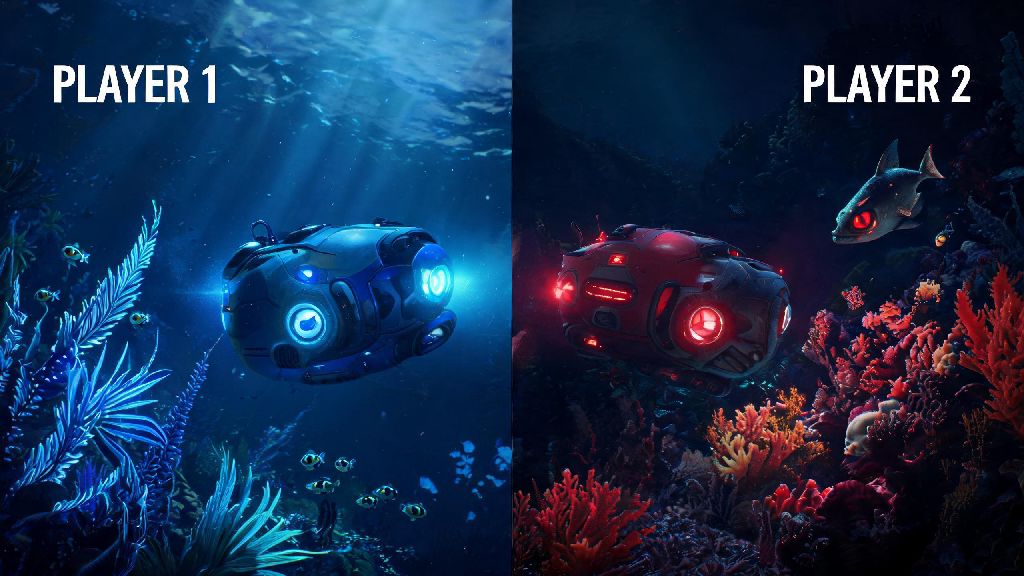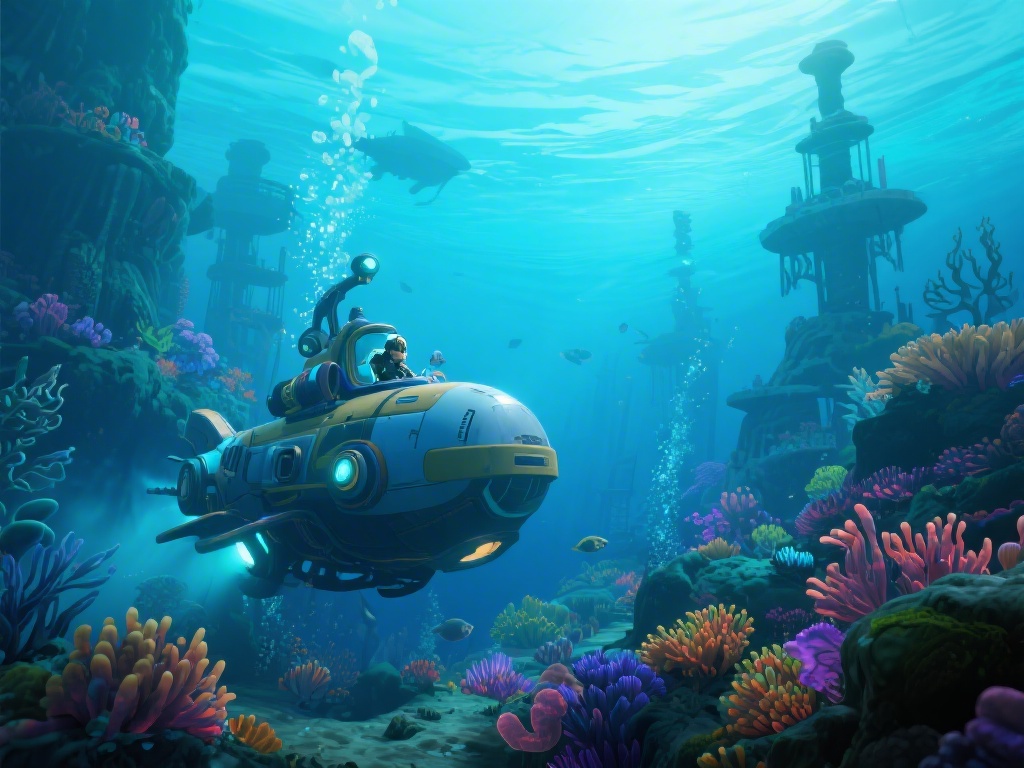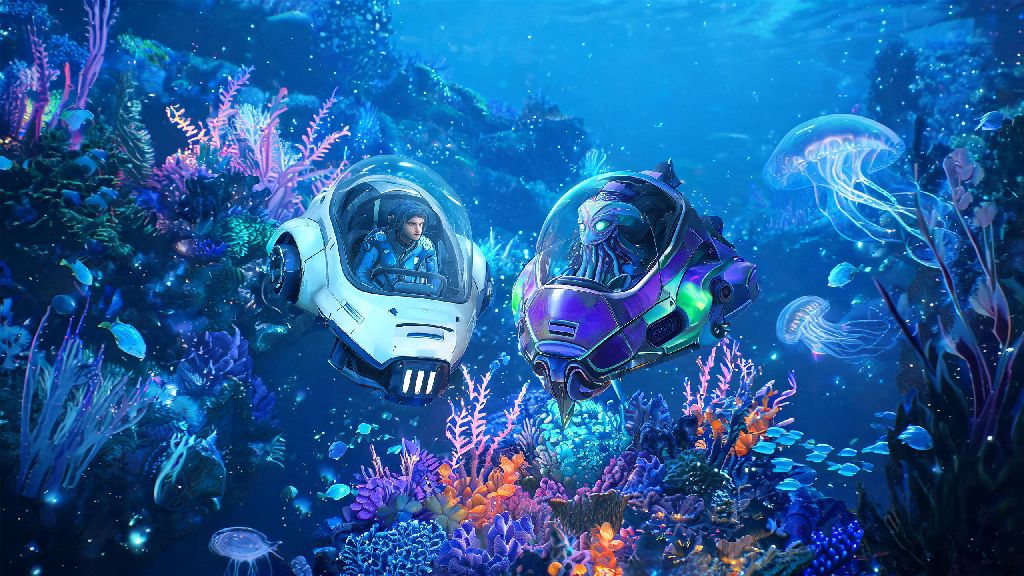
If you’ve spent dozens of hours scanning alien fish, building underwater outposts, and narrowly escaping leviathan attacks in the original Subnautica, you’ve probably daydreamed about bringing a friend along for the ride. Subnautica 2 multiplayer turns that long-held fan wish into reality, with a fully integrated co-op mode that lets you explore the new alien ocean world with up to three other players. It’s not just a tacked-on feature, either: the dev team built co-op into every part of the game design, from resource gathering to story beats, so you never feel like you’re breaking the core survival experience. If you’re new to Subnautica entirely, starting with Subnautica 2 multiplayer is a great way to learn the mechanics without the stress of facing leviathans alone.
How Subnautica 2 Multiplayer Works: Core Co-Op Rules You Need to Know
Unlike modded co-op for the original Subnautica, Subnautica 2 multiplayer has native support for all platforms, so you don’t have to download any extra files to play with friends. Lobbies support up to four players total, and you can set them to private for friends only or public to match with random players from around the world. Only the host’s world progress saves for all players, so if you join a friend’s lobby, any story beats you unlock or bases you build will only be accessible when you join that same host’s session later.
Resource counts are shared across all players in the same session, so if one player mines 15 titanium, that material will show up in every shared storage container for the whole group. You can turn individual resource drops on if you prefer to keep your gathered materials separate, but the default shared setting makes early game progression much faster for new groups. PvP is disabled by default, but you can toggle it on in the lobby settings if you want to have friendly fights with your friends between exploration runs.
Top Tips for Smooth Co-Op Gameplay With Friends
It’s easy to get disorganized when you first drop into the alien ocean with three other people, but a few small ground rules will make your run way more enjoyable. I’ve run three full co-op campaigns with different groups, and these are the steps that cut our early game grind time in half and cut down on arguments over rare resources:
Staying within 500 meters of other players for your first 10 hours of play also helps avoid performance hiccups, especially if you’re playing on console. The game renders separate areas for players who are far apart, which can cause lag or desync for lower-powered devices. You can spread out more once you’ve unlocked faster vehicles and upgraded your tech later in the game.
Common Subnautica 2 Multiplayer Issues and How to Fix Them
Most Subnautica 2 multiplayer bugs are minor, and the dev team releases patches every two weeks to fix reported issues, but there are a few common problems you might run into on your first few runs. The most frequent complaint is build desync, where a structure you place disappears for other players in the lobby. That usually happens when the host has a spotty internet connection, and reloading the lobby fixes 90% of these cases immediately.
Cross-platform play issues are also common for groups mixing PC and console players. If you can’t see your friend’s lobby in the search menu, make sure both of you have the latest game patch installed, as cross-play support was expanded in the 1.1 update to cover all platform combinations. You don’t need a separate subscription to play co-op, unless you’re on a console that requires an online play pass, so you won’t have to pay extra to join friends on other platforms.
Another common point of confusion is progress carryover. Your personal inventory from your single player world won’t transfer to co-op lobbies, and any items you earn in a friend’s lobby won’t carry back to your own single player save. If you want to keep rare items you found in a co-op run, make sure to store them in the host’s shared storage before you leave the session, or you’ll lose them when you log out.
Is Multiplayer Worth Trying for Solo Subnautica Fans?
If you’re a long-time solo Subnautica player who loves the tense, isolated vibe of exploring the ocean alone, you might be hesitant to try co-op, and that’s totally fair. The good news is you can adjust the lobby difficulty settings to match the solo experience if you want: turn off shared health regen, increase leviathan aggro range, and disable resource sharing to get the same challenging survival feel, just with a friend along.
If you’ve already beaten the single player campaign, multiplayer adds dozens of hours of new replay value. There are even a handful of co-op exclusive story beats and side missions that you won’t see in solo mode, including a group quest to take down a massive new leviathan that’s too strong to defeat alone. I played through the co-op campaign with my brother last month, and we still laugh about the time we both tried to run from a Reaper Leviathan and crashed our seamoths into each other. It’s a totally different vibe, but it feels just as authentic to the Subnautica universe as the solo mode.
The only real downside is that the isolated, spooky atmosphere of the original game is a lot less intense when you’re yelling to your friend about a cool fish you found. If you play Subnautica specifically for the horror elements, you might want to stick to solo for your first playthrough, then try co-op once you know the map well.
At the end of the day, Subnautica 2 multiplayer is exactly what long-time fans asked for: a seamless, well-designed co-op experience that doesn’t sacrifice the core survival and exploration that made the series famous. Whether you’re playing with long-time gaming friends or matching with random players to explore the depths, you’ll find plenty of new challenges and fun moments you can’t get in the solo mode. Don’t forget to test out the role assignments we covered earlier to make your first co-op run as smooth as possible.