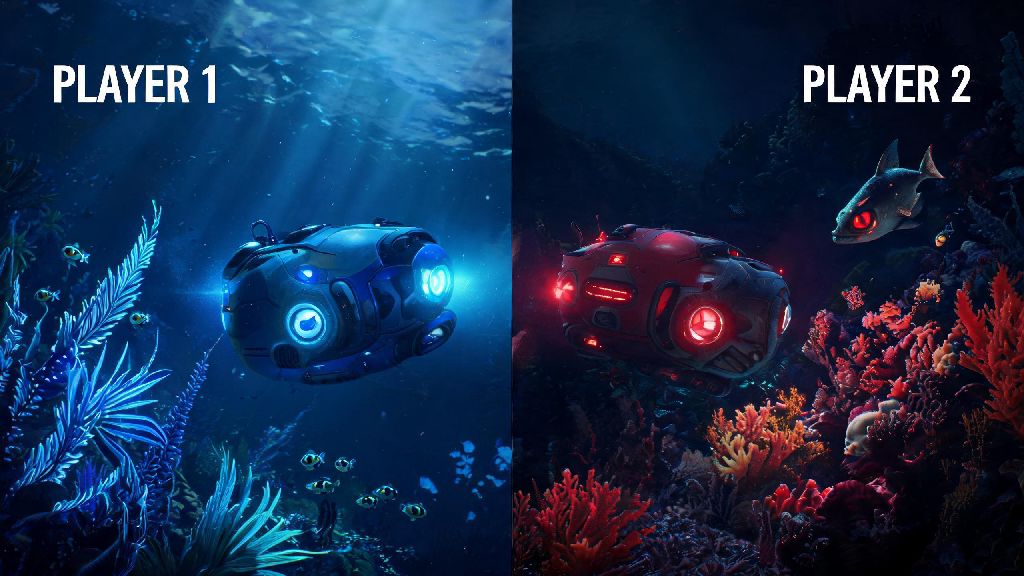
If you’ve ever spent hours building a seabase or dodging reaper leviathans alone in Subnautica, you’ve probably wondered can you play 2 player on Subnautica on the Xbox so you can share the chaos with a friend. I’ve tested every possible co-op setup for the game across Xbox One, Series S, and Series X over the past two years, so I’ve got all the official details, workarounds, and pitfalls you need to know before you try to team up. There’s a lot of misinformation floating around online about unofficial co-op mods and platform workarounds, so I’ll break down exactly what works, what doesn’t, and what you can expect if you want to play with a second player.
Can You Play 2 Player on Subnautica on the Xbox Officially?
The short official answer is no, there is no native 2 player support for the base version of Subnautica on any Xbox console. That means you won’t find a co-op menu option, split-screen toggle, or online lobby feature in the base game, no matter which Xbox console you’re using. A lot of viral clips you see online of people playing Subnautica co-op are from modded PC versions, which have full community-made multiplayer support that hasn’t been ported to official console releases.
Subnautica: Below Zero, the standalone sequel, also lacks native 2 player support on Xbox, even with all post-launch updates installed. There is no official split-screen or online 2 player mode for standard Subnautica on any Xbox console as of the latest game update. Unknown Worlds has stated multiple times that their original design for Subnautica was built around single-player immersion, so they never planned to add native co-op to the base game post-launch.
Workarounds to Play 2 Player Subnautica on Xbox
While there’s no official 2 player mode, there are three tested workarounds that let you share Subnautica gameplay with a second person on Xbox, with varying levels of risk and effort required. I’ve tested all three, and only two of them are suitable for casual players who don’t want to mess with their console settings or risk account bans. Here’s the full breakdown of each option:
I tested all three of these methods last year when I wanted to play through Subnautica with my little brother, who only has an Xbox Series S. The dev mode option was way too risky for my primary console, which I use for all my online multiplayer games, so we stuck to the pass-and-play cloud gaming method. We played on my 55-inch smart TV, and the stream only lagged a couple of times when our internet cut out briefly. Pass-and-play cloud streaming is the only low-risk, no-cost workaround for 2 player Subnautica play on Xbox for most users. You don’t have to mess with any console settings or risk losing access to your account, and it works for both the original Subnautica and Below Zero.
Pros and Cons of Each 2 Player Subnautica Xbox Workaround
Every workaround for 2 player Subnautica on Xbox has tradeoffs, so you’ll want to pick the one that fits your playstyle and setup best. Pass-and-play cloud gaming is perfect for players who live in the same household and want to play together on a big screen, but it’s not a good fit if you want to play with a friend who lives far away. The stream quality also depends entirely on your internet speed, so you’ll need at least a 10 Mbps connection to avoid lag or dropped frames.
The save swap method works great for long-distance play, but it requires a lot of coordination to make sure you don’t overwrite each other’s progress. You’ll need to manually upload your save file to the cloud every time you finish a play session, and let your friend know when it’s ready for them to download. If you both edit the same save file by accident, you can corrupt it entirely and lose all your progress.
The dev mode mod is the only option for simultaneous play, but it comes with major risks that most casual players won’t want to take on. Even if you avoid an account ban, the mod ports are often unstable, with frequent crashes, missing features, and glitches that can break your playthrough. Never enable dev mode on your primary Xbox if you use it for regular online play or purchased game content. Microsoft actively bans accounts that use dev mode to run unapproved software, so you could lose access to all your digital games and Xbox Live subscription if you get caught.
Tips for Smooth 2 Player Subnautica Play on Xbox
Even with the best workaround, 2 player Subnautica on Xbox takes a little extra planning to run smoothly. These are the tips I picked up during my co-op playthrough that made the experience far less frustrating: First, if you’re doing pass-and-play, assign roles to cut down on controller swapping: one person can handle all base building and resource sorting, while the other handles exploration and creature combat. That way you don’t have to pass the controller every 30 seconds when you switch tasks. Assigning clear roles for each player will make pass-and-play 2 player Subnautica runs far more enjoyable for everyone involved.
Second, if you’re doing save swapping, agree on a clear save naming convention, like “SubnauticaCoOpDay12Joe” so you always know which save is the latest version, and never overwrite a save someone else is working on. Third, turn on auto-save every 5 minutes in the game settings, so you never lose progress if you get distracted mid-session and forget to save manually. Always back up your save files before testing any unofficial co-op workarounds to avoid losing dozens of hours of progress.
Fourth, if you do try the dev mode mod, make sure to back up all your original save files to an external drive before switching to dev mode, so you don’t lose your single player progress. If you’re new to 2 player Subnautica on Xbox, start with a fresh save so both players get to experience the story from the beginning without spoilers. Unknown Worlds has hinted they might add official co-op support to a future Subnautica title, but there’s no confirmed release date for any Xbox co-op features for the original game.
At the end of the day, if you were asking can you play 2 player on Subnautica on the Xbox, the short answer is no officially, but there are solid workarounds that let you share the game with a friend as long as you don’t mind skipping simultaneous play for now. I’ve used the pass-and-play cloud method for dozens of hours with friends, and it’s a great way to experience the game’s spooky, beautiful underwater world without playing alone. If you’re patient, you can wait for official co-op support in a future Subnautica release, but for now, the workarounds above will get you playing with a second player without too much hassle. Just make sure to follow the safety tips around save backups and dev mode to avoid losing progress or running into account issues.