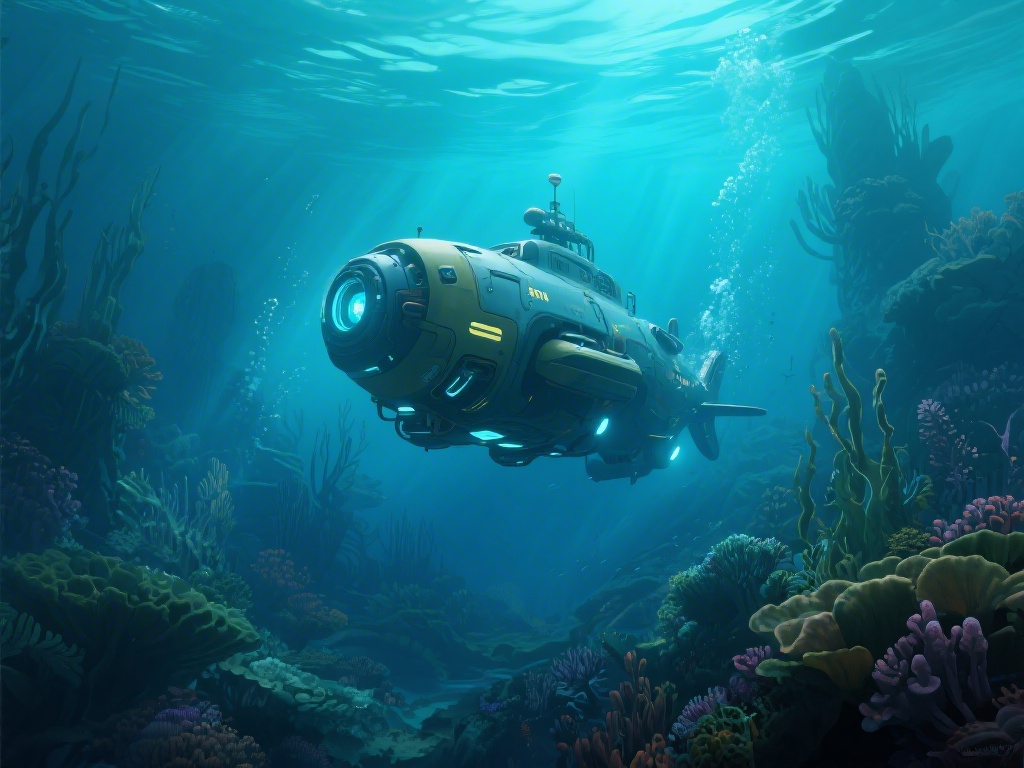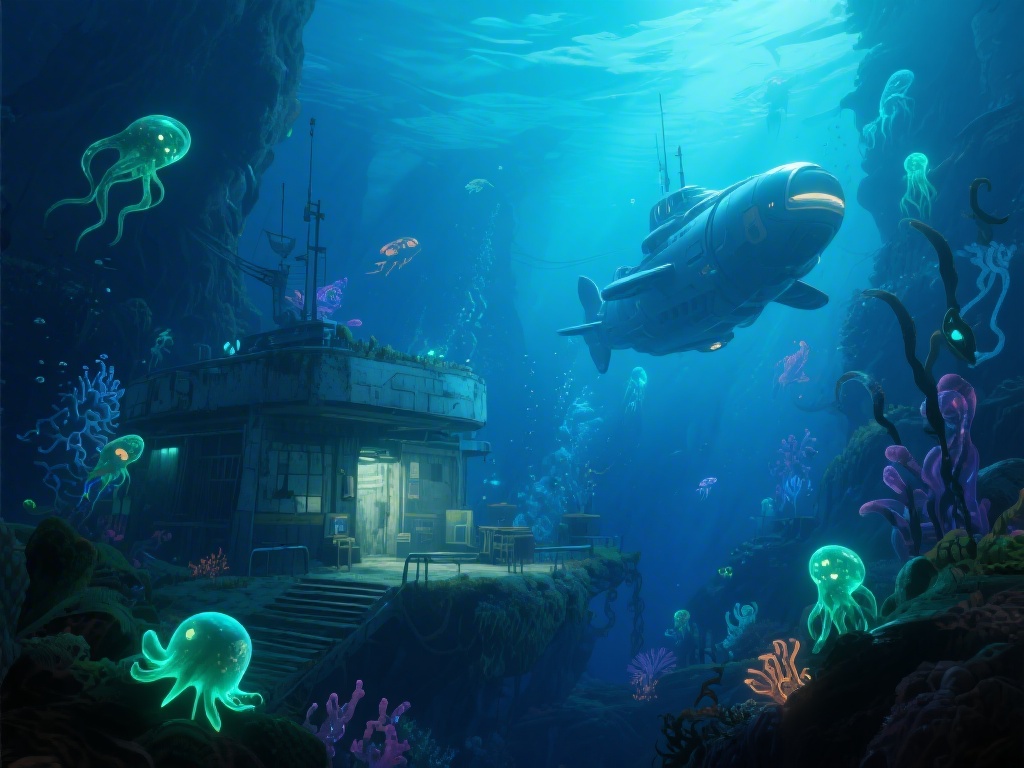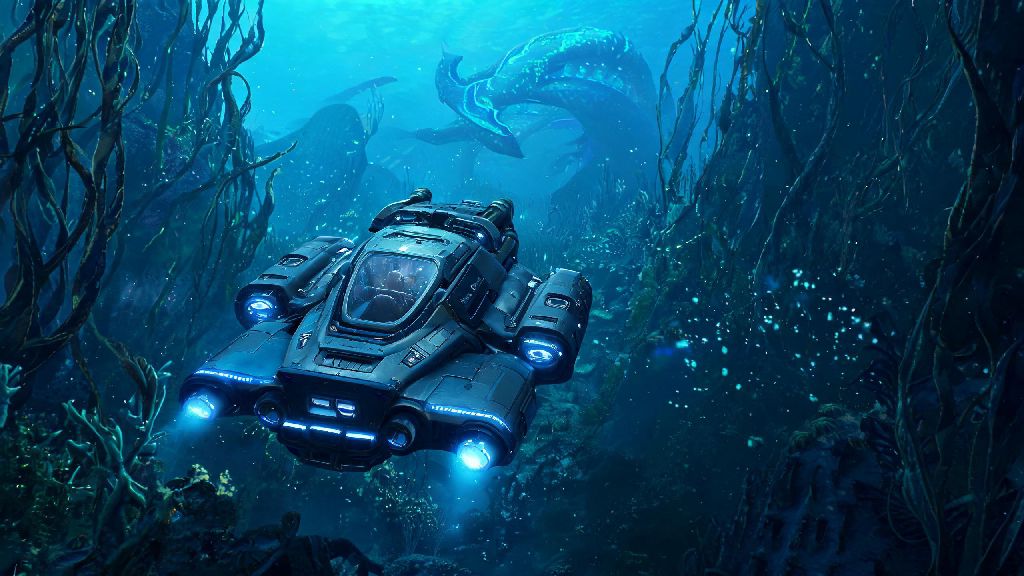
If you’ve spent any time diving into Subnautica 2’s frigid, alien ocean depths, you’ve probably heard rumors of the Subnautica 2 Hammrhead, a heavy-duty underwater craft built to withstand crushing pressure and fend off aggressive leviathan class creatures. Unlike the smaller, faster seamoth that many players start with, this craft balances speed, storage, and defense perfectly for long deep-sea expeditions, and it’s a game-changer for anyone looking to get past the early game’s shallow exploration limits. In this guide, we’ll walk you through everything you need to know to find its fragments, unlock its blueprint, and use it safely without wasting valuable resources on avoidable repairs.
How to Find Subnautica 2 Hammrhead Fragments Fast
First, you don’t have to wander aimlessly through dangerous biomes to track down the three fragments you need to unlock the Hammrhead blueprint. Most fragments spawn in the Twisted Kelp Canyons biome, between 150 and 250 meters below the surface, usually near small wreckage sites that are marked on your scanner if you get within 300 meters. You’ll want to bring a standard sea glide, a first level oxygen tank, and a scanner with at least 50% battery left before you head out, because the area has a few small aggressive creatures that can drain your health fast if you’re not paying attention.
A common mistake new players make here is diving too deep before they have the right gear. If you don’t have a reinforced dive suit yet, stick to the upper edges of the Twisted Kelp Canyons first, because the pressure below 200 meters will start draining your health even if you have enough oxygen. Many players have lost all their collected fragments trying to grab one last piece before resurfacing, so take your time and make multiple short trips if you need to.
Before you head out on your fragment hunt, make sure you have these core items in your inventory:
Required Resources to Build the Subnautica 2 Hammrhead
Once you unlock the blueprint, you’ll need to gather specific resources to build the craft at your nearest mobile vehicle bay. Don’t worry, none of the required materials are locked behind late-game biomes, so you can collect everything within the first 10 hours of gameplay if you prioritize exploration. You’ll need 4 titanium ingots, 2 lubricant, 1 power cell, 3 lead ingots, and 2 computer chips to complete the build, plus an extra 2 titanium ingots if you want to add the optional storage upgrade right away.
Lead ingots are the trickiest material to find for most new players, because they only spawn in small veins near hydrothermal vents in the Twisted Kelp Canyons and the nearby Sulfur Fields. If you’re having trouble tracking them down, follow the small orange bioluminescent fish that swim near vent openings, they almost always lead to large lead and sulfur deposits that you can mine with a standard prawn suit drill or even a basic hand drill if you don’t have the prawn suit unlocked yet.
Once you have all the resources together, the build process only takes about 30 seconds, and you can launch your Subnautica 2 Hammrhead right from the mobile vehicle bay as soon as it’s done.
If you need a short break from resource grinding to reset your focus, many players like to switch to low-stakes casual games between long exploration runs to avoid burnout. Casual players who need a quick, low-pressure distraction between mining trips often play INDRummy, a fast-paced card game that fits neatly into 10-minute gaps without pulling you too far away from your gameplay rhythm. Once you’re recharged, you can jump right back in to finish gathering the last of the materials you need for your Hammrhead.
Top 3 Hammrhead Upgrades Worth Investing In First
You can use the base Subnautica 2 Hammrhead right after you build it, but adding a few key upgrades will make it far more useful for long deep-sea trips. The first upgrade you should get is the depth module MK1, which increases its maximum safe depth from 300 meters to 500 meters, opening up access to the Lost Caverns biome where most late-game blueprints spawn. This upgrade only costs 2 crystalline sulfur and 1 titanium ingot, so it’s extremely affordable even for early mid-game players.
The second most useful upgrade is the storage expansion module, which adds 24 extra inventory slots to the craft’s built-in storage. If you’re someone who likes to collect every resource you find on exploration runs, this upgrade will save you dozens of trips back to your base to drop off materials, cutting down on wasted travel time significantly. The third upgrade we recommend is the defensive torpedo system, which fires non-lethal shock torpedoes that stun aggressive leviathans for 30 seconds, giving you enough time to escape if you run into a Ghost Leviathan or Ice Worm while exploring.
Skip the speed boost upgrade for your first few runs, because it drains the Hammrhead’s power cell 3x faster than normal operation, and you’ll end up stranded far from base if you don’t carry extra power cells with you. You can add it later once you unlock the nuclear power cell upgrade, which lasts 10x longer than the standard power cell and supports higher power draw upgrades without dying mid-trip.
Common Hammrhead Piloting Mistakes to Avoid
Even with all the right upgrades, it’s easy to make costly mistakes when piloting the Hammrhead if you’re used to smaller, more maneuverable craft. The most common mistake new pilots make is crashing into underground cave walls while exploring tight spaces. The Hammrhead is 2x wider than the Seamoth, so you need to leave extra room when navigating narrow cave systems, even if you think you can fit through a gap. Crashes deal 10-15% damage to the hull each time, and you’ll waste valuable titanium repairing it if you’re not careful.
Another common mistake is leaving the Hammrhead unmoored near aggressive biomes when you exit to explore on foot. If you don’t activate the craft’s anchor function before you leave, it can drift into the path of passing leviathans, which will attack it and destroy it if you’re not there to defend it. Always double check that the anchor is activated before you exit the cockpit, it takes 2 seconds and can save you hours of work rebuilding the craft from scratch.
You also don’t want to take the Hammrhead into the Glacial Ice Shelf biome until you have the icebreaker upgrade installed. The thick floating ice chunks in that biome deal 30% hull damage per impact, and you can’t outmaneuver them if you get caught in an ice current. Wait until you unlock the icebreaker upgrade from the Arctic Research Station wreck before you explore that area, it’s not worth the risk otherwise.
The Subnautica 2 Hammrhead is easily one of the most useful vehicles in the game, and unlocking it early will let you explore far more of the map without being limited by oxygen, depth, or storage constraints. Take your time tracking down the fragments, invest in the right upgrades first, and avoid the common piloting mistakes we covered, and you’ll be exploring the deepest, most dangerous parts of the alien ocean in no time. There’s no better feeling than loading up your Hammrhead with supplies and heading out on a multi-hour exploration run knowing you can handle almost any threat the ocean throws at you.