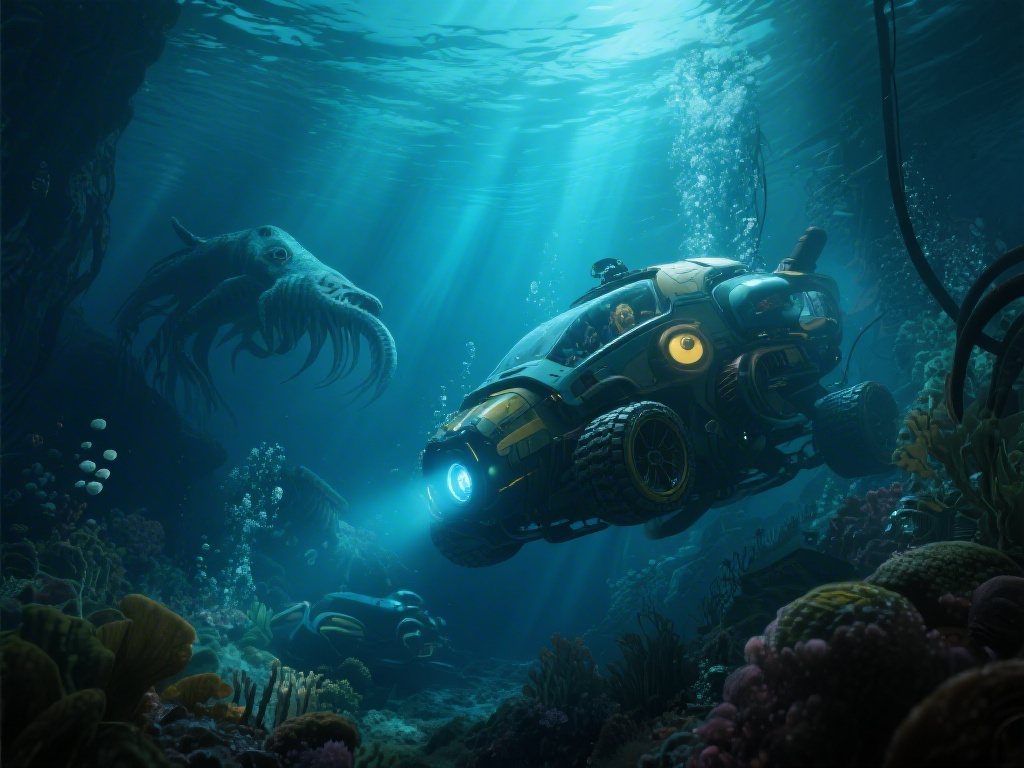
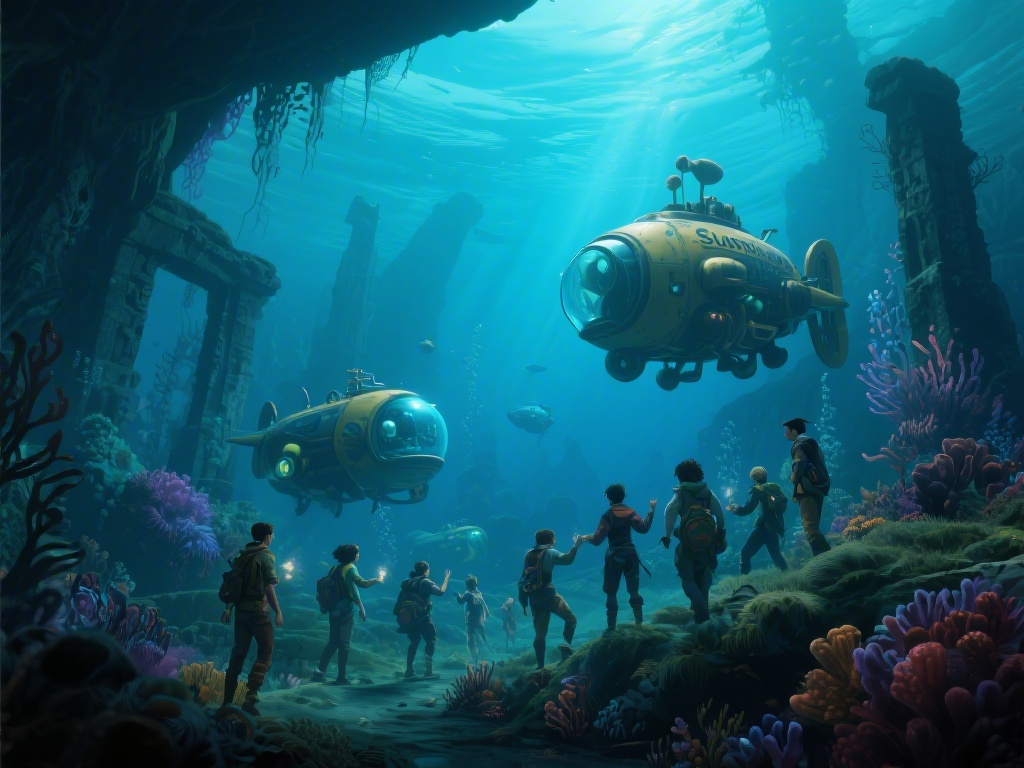
If you’ve spent hours navigating the alien ocean depths alone in the first Subnautica, you’ve probably daydreamed about bringing a friend along for the ride. You know the feeling: you’re exploring a dark cave system, your oxygen is running low, and you spot a rare resource vein you can’t reach alone, or a leviathan creeps up behind you when you’re least expecting it. The long-awaited Subnautica 2 coop feature turns that dream into reality, letting you team up to scan creatures, build bases, and survive the harshest underwater biomes together. But jumping into multiplayer for the first time can feel overwhelming, especially if you don’t know how to avoid common connection issues, split work efficiently to keep both players alive, or handle the small glitches that pop up from time to time. We’ve put together all the real-world tips we’ve picked up after 40+ hours of multiplayer testing, plus fixes for the most common issues we ran into, to make your first coop run as fun and low-stress as possible.
How to Set Up Your Subnautica 2 Coop Lobby Without Connection Headaches
Setting up your lobby is the first hurdle most groups run into, and it’s easier to mess up than you might think. First, decide if you want a private lobby for just your friends, or a public lobby open to random players. Private lobbies are always recommended for first-time runs, since public lobbies often have players who will grief your base or steal all your hard-earned resources without warning. We made the mistake of joining a public lobby for our first run, and within 10 minutes a random player had destroyed half our starting base and dumped all our food and water into the ocean. We learned that lesson the hard way, so we always lock our lobbies now unless we’re specifically looking to play with new people. When choosing who hosts the lobby, pick the player with the fastest, most stable wired internet connection – host lag affects everyone in the game, and Wi-Fi connections drop far more often when you’re loading big biomes like the Lava Zone or the new Deep Trench biome. If you keep getting connection errors when trying to join a friend’s lobby, check that both of you have the latest game patch installed, and that your antivirus or firewall isn’t blocking Subnautica 2’s connection. You don’t need any extra mods to run standard coop, so you can jump right into Subnautica 2 coop play without any extra setup.
Essential Role Splits to Keep Your Coop Run Running Efficiently
One of the biggest mistakes new coop groups make is duplicating work, which slows down your progress and leads to unnecessary fights over limited resources. We’ve tested dozens of role splits, and these three combinations work best for 2-player teams, no matter what your playstyle is:
- Builder + Explorer: One player focuses on crafting tools, building out your base, and managing storage, while the other roams to scan new creatures, collect rare resources, and unlock new biome waypoints. This works great if one player likes base customization and the other loves exploring.
- Gatherer + Crafter: The gatherer spends most of their time collecting common resources like titanium, copper, and quartz, while the crafter turns those resources into upgrades, vehicles, and survival supplies. This is ideal for teams that want to progress through the story as fast as possible.
- Scout + Defender: If you’re playing on hard mode, this split keeps you both alive. The scout moves ahead to mark dangerous creatures and resource veins, while the defender carries a stasis rifle and repair tool to fend off leviathans and fix any damage to your vehicles or base.
Common Coop Glitches and How to Fix Them Fast
No multiplayer game is perfect, and Subnautica 2 coop has a few common glitches that pop up even for players with perfect connections. These small issues are common in the first few months of release, and the devs are patching them every few weeks, but most have simple fixes you can use right now. The most common one we’ve run into is item desync, where you pick up a resource but it doesn’t show up in your inventory, or your friend sees an item that’s not actually there. The fastest fix for item desync is to drop the item and pick it back up, or have the host pick the item up instead of the joining player. Another common glitch is base pieces not loading for the joining player, which can lead to you falling through your own base into the ocean. If this happens, the joining player just needs to leave the lobby and rejoin, and all base pieces will load correctly the second time. We’ve also seen glitches where leviathans spawn inside your base, usually after you load a save that was made while a leviathan was nearby. If that happens, have the host save the game, restart their client, and reload the save – the leviathan will spawn back in its normal biome, and your base will be undamaged. Another glitch we’ve run into a few times is the sea truck desync, where the host sees the sea truck in one spot, but the joining player sees it halfway across the biome. If that happens, the host just needs to get in the sea truck and drive it a few meters, and it will sync up for both players immediately. We’ve never had that glitch lead to any permanent damage, so it’s more annoying than anything else. Most glitches are easy to fix in under a minute, so don’t panic if something goes wrong mid-run.
Fun Coop-Exclusive Activities to Try With Your Team
Coop isn’t just about surviving and progressing through the main story faster – there are tons of fun activities you can only do with a friend that make the game feel totally new. One of our favorite things to do is build separate small bases in the same biome and have a friendly competition to see who can make the most functional, creative base with the same amount of resources. You can also team up to take down leviathans that are almost impossible to beat alone, like the new Shadow Leviathan that roams the Deep Trench biome. The game also has a hidden coop-exclusive side quest that unlocks when you scan all 12 of the hidden data tablets scattered across the multiplayer-only Sunken Ruins biome, which gives you a unique base decoration and a special sea truck skin you can’t get in single player. Last month, my friend and I spent three hours exploring the Sunken Ruins to find all the data tablets, and the skin we unlocked was totally worth the time. It’s a glowing bioluminescent skin for the sea truck that lights up dark caves without needing to use your flashlight, which comes in really handy when you’re exploring deep biomes where visibility is almost zero. You can also try silly challenges, like seeing who can stay alive the longest without a base, or who can collect the most different types of fish in 30 minutes. We once did a challenge where we tried to build a base on the edge of the Lava Zone without using any reinforced hull pieces, and it was so much fun watching each other panic when the base started leaking and we had to rush to fix it before we both drowned. Don’t feel like you have to rush through the main story – some of the best moments in Subnautica 2 coop are the unplanned, silly ones you have with your friend as you explore.
At the end of the day, Subnautica 2 coop is all about having fun exploring one of the most immersive alien worlds ever made with someone you enjoy spending time with. You don’t have to follow every tip perfectly, and it’s okay to make mistakes – that’s half the fun of learning the game together. Even if you mess up a base build, lose your sea truck to a leviathan, or spend an hour trying to fix a silly glitch, you’ll still have a good time if you’re playing with someone you get along with. Whether you’re building a sprawling underwater base, fighting off leviathans, or just messing around with your sea truck, you’ll have a way better experience if you take the time to set up your lobby correctly, split roles so you’re not wasting time, and don’t panic when small glitches pop up. Grab a friend, load up the game, and go see what secrets the alien ocean holds for your team.