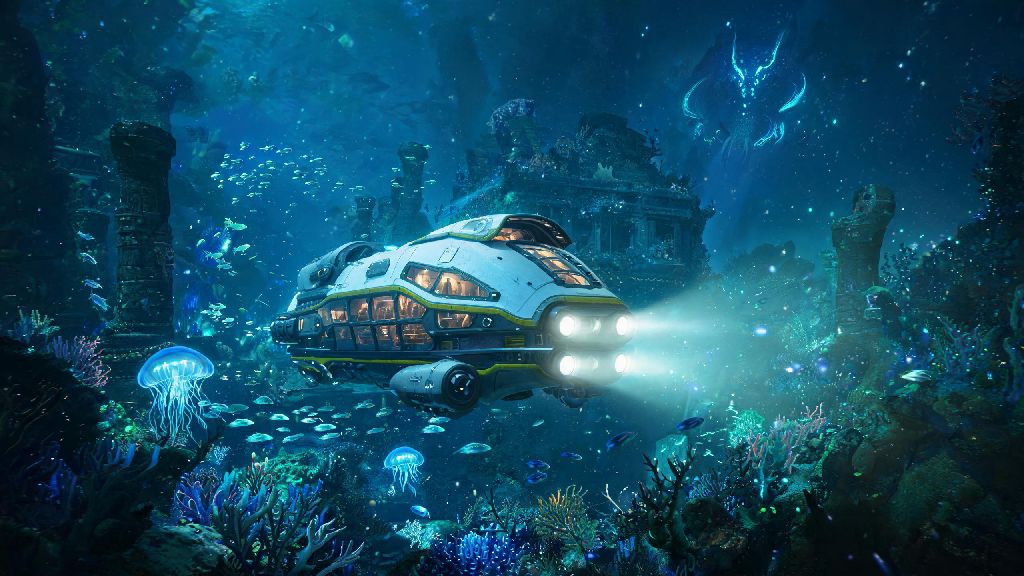
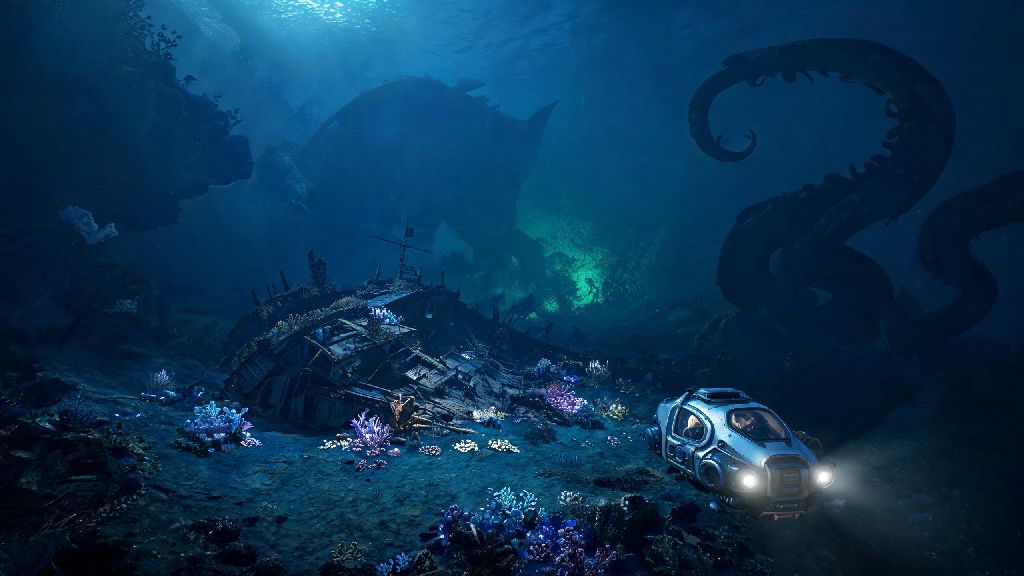
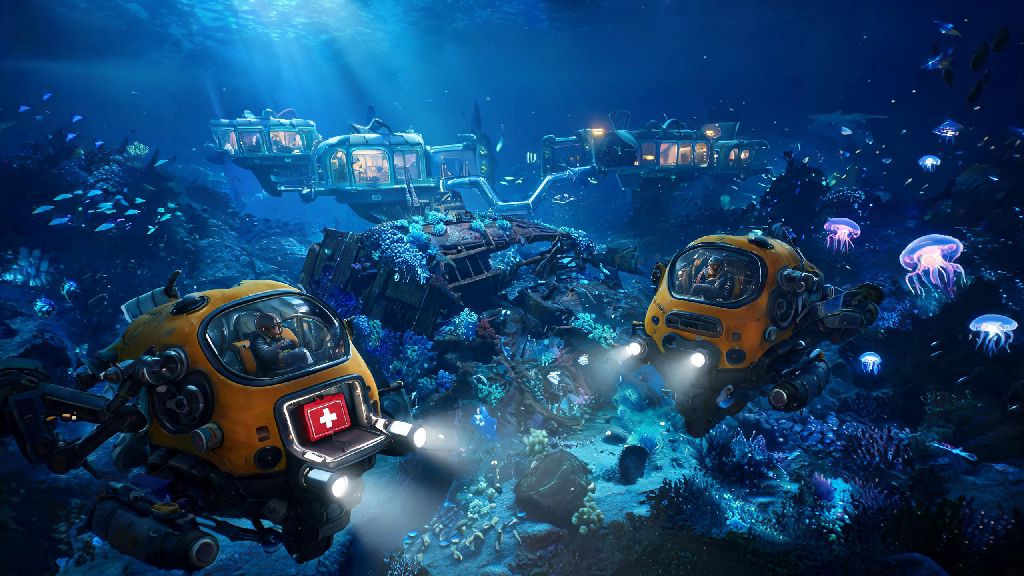
If you’re a fan of the original Subnautica’s tense, beautiful underwater survival gameplay, you’ve probably been scouring forums and official announcements for news of the next installment. The Subnautica 2 beta is already in the hands of a limited group of playtesters, and early feedback paints a picture of a game that stays true to the franchise’s core while adding massive new features, biomes, and challenges. I’ve spent the last three weeks diving through its unforgiving ocean depths, dying to leviathans more times than I care to count, and testing every workaround I can find for common early access bugs. This guide breaks down everything I’ve learned, from how to get access to the playtest to the tricks that will keep you alive your first 10 hours.
How to Get Access to the Subnautica 2 Beta
Right now, the beta is only available to a limited pool of playtesters chosen by developer Unknown Worlds Entertainment, but signing up is completely free and takes less than five minutes. The official Unknown Worlds Entertainment website is the only legitimate place to submit a playtest application, so don’t waste time on third party sites promising guaranteed access. You’ll need to link your Steam or Epic Games account, fill out a short survey about your playstyle, hardware setup, and previous experience with the Subnautica franchise, and then wait for an invite to hit your email.
Invitations are sent out in waves every two weeks, and the devs prioritize players with a wide range of PC hardware to test performance across different setups. Never pay for a Subnautica 2 beta key, all keys are distributed for free directly by the development team, so any site selling access is running a scam. If you don’t get an invite in the first few rounds, don’t worry, the pool of testers is expanding every month as the build becomes more stable.
Essential Early Gameplay Tips for New Beta Players
The beta build is still rough around the edges, and a lot of the tutorial popups from the original game are missing right now, so it’s easy to make costly mistakes your first few runs. If you’re new to the Subnautica franchise entirely, the Subnautica 2 beta is still accessible, but you might want to watch a quick playthrough of the first game to get a feel for the core loop. After 20+ hours of play, I’ve narrowed down the most important rules to follow if you want to avoid re-spawning at your drop pod over and over.
- Prioritize crafting the improved oxygen tank first – the starting tank only gives you 45 seconds of dive time, which isn’t enough to reach the first major resource vein 120 meters below the surface. You only need 3 titanium, 2 silica pearls, and 1 fiber mesh to make it, all of which you can find within 50 meters of your drop pod.
- Don’t wander into the glowing red kelp forests before you have a standard knife – the small, fast leech-like creatures that live there will drain your health in seconds if you can’t fight them off.
- Save your game every time you return to your drop pod – the beta build has occasional random crash bugs, and there’s no auto-save feature enabled in the current playtest version. I lost 3 hours of progress once because I forgot to save before exploring a new cave system, and I don’t want you to make the same mistake.
You’ll also notice that the hunger and thirst meters drain slightly faster in the beta than they did in the original Subnautica. That’s not a bug, the devs are testing a more challenging survival loop for higher difficulty modes, so keep a stack of cooked bladderfish and filtered water on you at all times. Don’t try to build a permanent base in your first 5 hours either, the current beta has a bug that can erase base structures if you log out for more than 2 hours, so stick to small, temporary storage crates until the next patch drops.
Hidden Beta Features Most Players Haven’t Found Yet
The devs haven’t published a full change log for the beta, so a lot of its coolest features are only found by accident by playtesters. One of my favorite finds so far is the new fast travel system, which lets you link drop pods you place across the map with a special crafting component. You can zip between pods in seconds, which saves a ton of time when you’re gathering resources from far away biomes. The bioluminescent cave biome under the northern ice shelf is another hidden gem, it’s full of rare resources and a new passive leviathan that glows bright blue and doesn’t attack you unless you get within 10 meters of its young.
The Subnautica 2 beta also has a new crafting system that lets you combine resources in unexpected ways, so don’t be afraid to experiment with different item combinations. I also found that you can now tame small, fish-like creatures called glow minnows to follow you around and light up dark cave systems, which is a huge help if you don’t want to waste battery power on your dive light. One thing to note: most of these hidden features are still in active development, so they might not make it into the final full release of the game. The devs regularly poll playtesters for feedback on unannounced features, so if you love something you find in the beta, make sure to submit feedback through the official in-game tool to let the team know you want it to stay.
Common Beta Bugs and Easy Workarounds
No early access beta is perfect, and Subnautica 2’s playtest is no exception. I’ve run into dozens of small bugs over my time playing, and most of them have simple fixes that don’t require you to restart your entire game. The most common bug right now is the inventory disappearing glitch, which happens when you pick up too many items at once. If this happens to you, just open the escape menu and hit “respawn” – you’ll spawn back at your last save point, and your inventory will be restored completely, no progress lost.
Another common bug is the dive light not turning on, even when you have full battery. To fix this, just drop the light on the ground, pick it back up, and it will work normally again. If your game starts stuttering or dropping frames when you’re near large leviathans, turn down the “water reflection quality” setting in the graphics menu. The current beta has a memory leak tied to high reflection settings, and adjusting that one setting can boost your FPS by 30% or more on most mid-range PCs. Make sure to report any bugs you find through the in-game feedback tool too, the devs are actively reading every report and pushing patches every 2-3 days to fix the most common issues.
Getting to play the Subnautica 2 beta early feels like getting a sneak peek at one of the most exciting survival games of the next few years. It’s rough around the edges, but the core gameplay is already just as immersive and thrilling as the original, and the new biomes and features make it feel like a fresh, unique experience instead of a lazy rehash. If you get an invite to the playtest, take the time to explore, report bugs, and give honest feedback – you’ll be helping shape the final version of the game for every player when it launches. Just remember to save often, watch your back for leviathans, and don’t forget to enjoy the view.