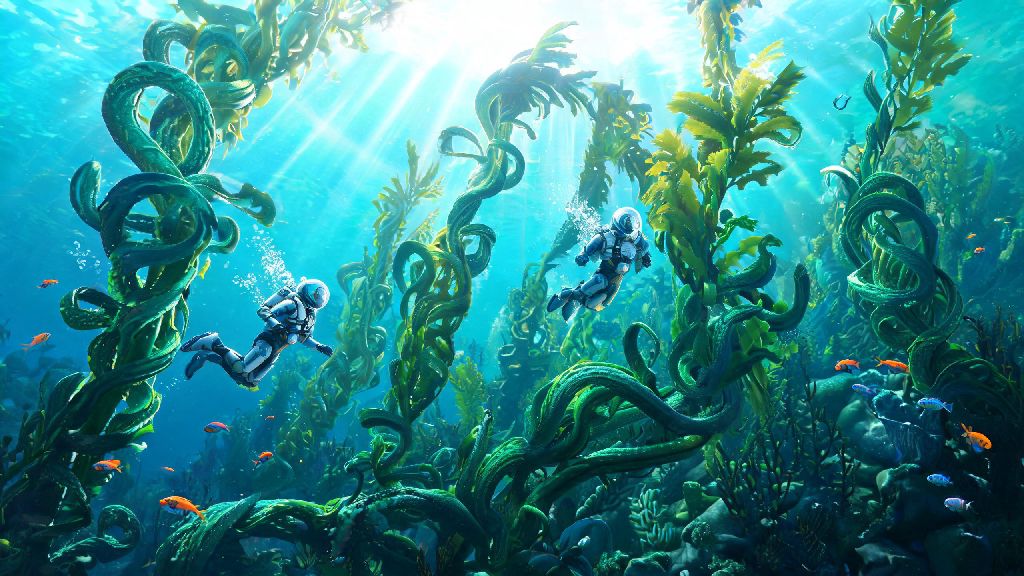
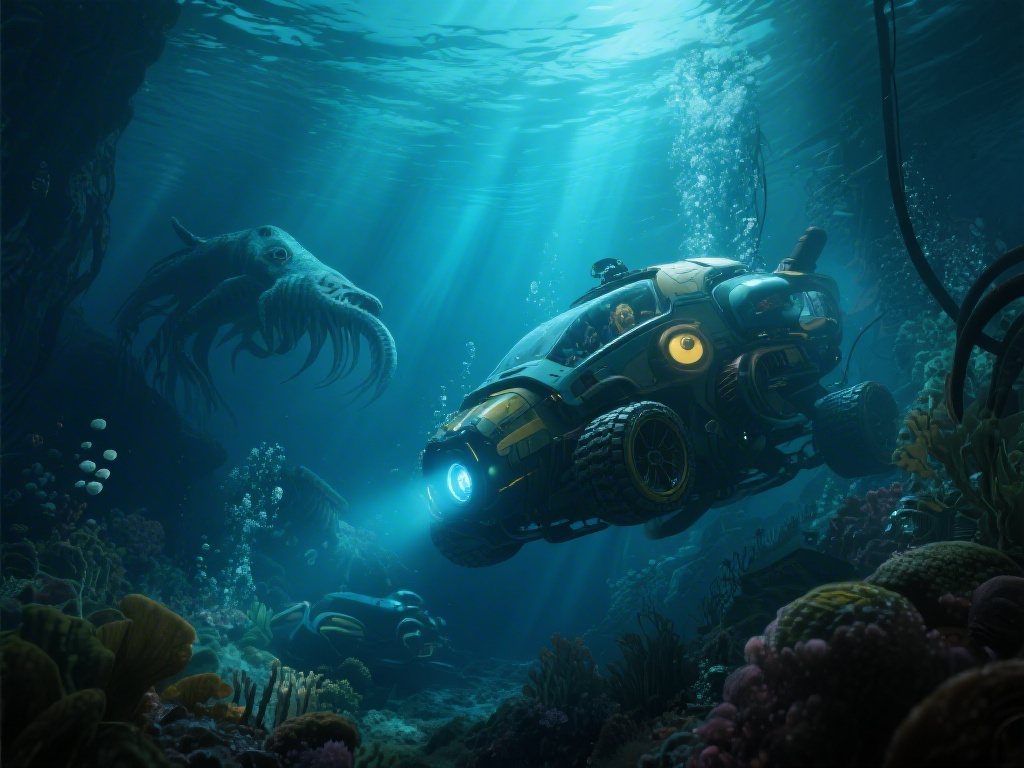
Subnautica’s tense, beautiful underwater world of 4546B is one of the most immersive survival experiences ever made, so it’s no surprise thousands of players ask every month: can you play 2 player Subnautica? There’s nothing better than sharing the thrill of finding a new Leviathan den or building a sprawling underwater base with someone you game with regularly, and we’ve tested every possible way to make this work so you don’t have to waste hours troubleshooting broken mods or misinformation. We’ve put over 30 hours into co-op playthroughs of both the original Subnautica and Below Zero, so we know exactly what works, what breaks, and what you need to do to have a seamless experience.
Can You Play 2 Player Subnautica Officially?
If you’re hoping to boot up your vanilla copy of Subnautica and jump into a co-op lobby right away, you’re out of luck. There is no native 2 player support in the vanilla version of Subnautica or Subnautica: Below Zero. The development team at Unknown Worlds built the game from the ground up as a single-player experience, focusing on the isolated, tense feeling of being stranded alone on an alien ocean planet. They’ve stated multiple times that adding official co-op would require rebuilding huge parts of the game’s core code, which wasn’t feasible during the original development cycle. That doesn’t mean 2 player play is impossible, though. The game’s active modding community has spent years building fully functional co-op tools that work with almost all versions of the game. The only official Subnautica title that will have native multiplayer is the upcoming third entry in the franchise, which is still in early development as of this writing.
Top Modded Options for 2 Player Subnautica
All viable 2 player Subnautica experiences rely on community-made mods, and there are three main options to choose from depending on which version of the game you own. We’ve tested all three extensively, and we only recommend one for most players:
- Nitrox Mod: The most polished and widely used co-op mod for Subnautica, supporting up to 4 players total, full sync of base building, resource collection, and story progress. It gets regular updates to fix bugs and support the latest game versions, and it has an active Discord community where you can get help with any issues you run into. It works with Steam, Epic, and GOG copies of the original Subnautica.
- Subnautica Multiplayer Mod (Legacy): An older mod for earlier versions of Subnautica (pre-2021 builds), only recommended if you’re running a very old build of the game and can’t get Nitrox to work. It has far fewer features, more sync issues, and no active development, so it’s a last resort at best.
- Below Zero Multiplayer Mod: A separate branch of Nitrox built specifically for Subnautica: Below Zero, with adjusted sync for the Below Zero story, biomes, and unique items like the Seatruck and Snowfox. It’s slightly less polished than the original Subnautica Nitrox build, but it’s still fully playable for a full co-op playthrough.
Always make sure you and your friend are running the exact same version of both Subnautica and the mod to avoid connection errors. Even a small version mismatch can cause the server to crash or prevent you from connecting entirely. You can check your mod version in the Nitrox launcher, and your game version in your Steam or Epic library properties.
Step-by-Step Setup for 2 Player Subnautica
Setting up Nitrox for 2 player play is far simpler than most people expect, and you don’t need any advanced modding experience to get it working. First, note that this only works for PC copies of the game, there are no functional co-op mods for console versions of Subnautica right now. Both you and your friend will need to own a legal copy of the same version of Subnautica to play together.
First, download the latest Nitrox installer from the official mod page. Run the installer, and it will automatically detect your Subnautica installation folder if you have the game installed via Steam or Epic. If it doesn’t detect the folder, you can manually point it to the location where your Subnautica .exe file is stored. The installer will add the mod files to your game folder automatically, no extra steps needed.
If you’re the host, open the Nitrox launcher, click the “Host Server” button, and adjust your settings. You can set the player limit to 2 for a private playthrough, adjust the spawn point, toggle PvP on or off, and choose whether to enable console commands for all players. Once you save your settings, the server will start running. You’ll need to send your public IP address to your friend, and make sure you’ve port forwarded port 11000 on your router so they can connect. If you don’t want to mess with port forwarding, you can use a free LAN tunneling service like Hamachi or Radmin VPN instead, which lets you connect as if you’re on the same local network.
If you’re joining a friend’s server, just open the Nitrox launcher, paste the host’s IP address into the “Join Server” field, and click connect. You’ll spawn in the same escape pod as the host, and you can start playing right away. We recommend starting a new save file when you first play 2 player, as existing single player saves can have sync issues when loaded into a co-op server. You don’t want to lose 20 hours of single player progress because of a mod bug, so start fresh for your co-op playthrough.
If you run into connection issues, first check that both of you have your firewalls set to allow Nitrox connections, and that neither of you are running any other Subnautica mods that might conflict with Nitrox. Most common issues have fixes posted in the official Nitrox FAQ, so you can check there if you get stuck.
Key Tips for a Smooth 2 Player Subnautica Experience
Even with the incredibly polished Nitrox mod, there are a few small quirks and best practices you should know to make your co-op playthrough as fun as possible. These tips come from our own 30+ hours of 2 player Subnautica play, so they’re all tested and proven to work.
First, split tasks to make progression much faster. One player can focus on base building, crafting, and managing food and water supplies, while the other focuses on exploring new biomes, scanning new creatures and resources, and collecting rare materials. That way you don’t waste time doing the same task twice, and you’ll unlock new gear and areas much faster than you would playing alone.
Turn on in-game voice chat in the Nitrox settings, or use a third-party chat app like Discord to stay in constant contact during your playthrough. The underwater world of 4546B is full of surprises, and you don’t want to be caught off guard by a Reaper Leviathan when your friend is halfway across the map and can’t come help you. Communicate when you’re heading into a dangerous area, when you find a rare resource, or when you need help repairing your Seamoth or Cyclops.
Don’t stray too far from each other if you’re in areas with lots of complex geometry, like the Lost River or the Lava Zones. The mod can struggle to sync two players who are in very different parts of the map at the same time, which can lead to minor lag or temporary item desyncs. If you do want to split up, stick to shallower, less complex biomes like the Safe Shallows or Kelp Forest.
Save the game regularly. The host can manually save the server at any time by pressing F1 and typing “save” into the console, or by using the save button in the Nitrox server menu. We recommend saving every time you finish building a new part of your base, beat a major story milestone, or collect a rare resource like Kyanite or Ion Cubes. That way you won’t lose hours of progress if the server crashes unexpectedly.
Avoid using cheat codes or console commands unless absolutely necessary, as they can break story progression sync for both players. If you use a command to unlock all blueprints, for example, it might only unlock them for you, not your friend, which can lead to conflicting progress and broken story beats. If you do need to use a command to fix a bug, make sure both players are aware of it, and save the game before you run it.
While you won't find native support if you're asking can you play 2 player Subnautica, the Nitrox mod makes the entire experience feel almost official, with very few downsides for casual co-op players. You get all the tension and wonder of the original game, plus the fun of sharing every surprise and setback with a friend. If you've already beaten Subnautica on single player, running a 2 player playthrough is one of the best ways to experience the game all over again, and you might even spot details you missed the first time around. It’s easily one of our favorite ways to replay the game, and we’re confident you’ll love it too.