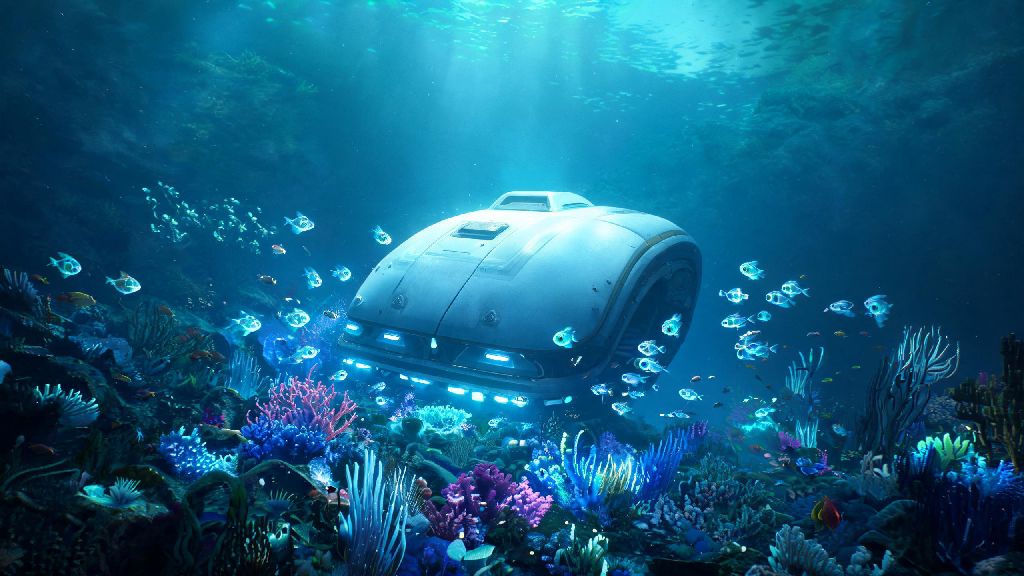
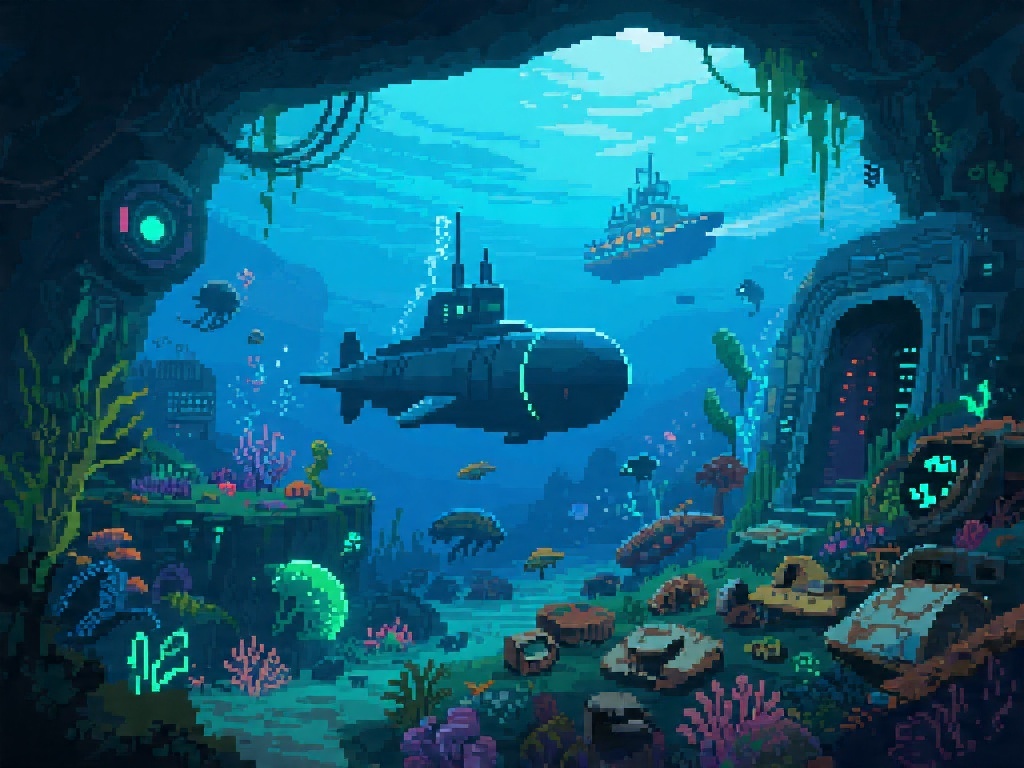
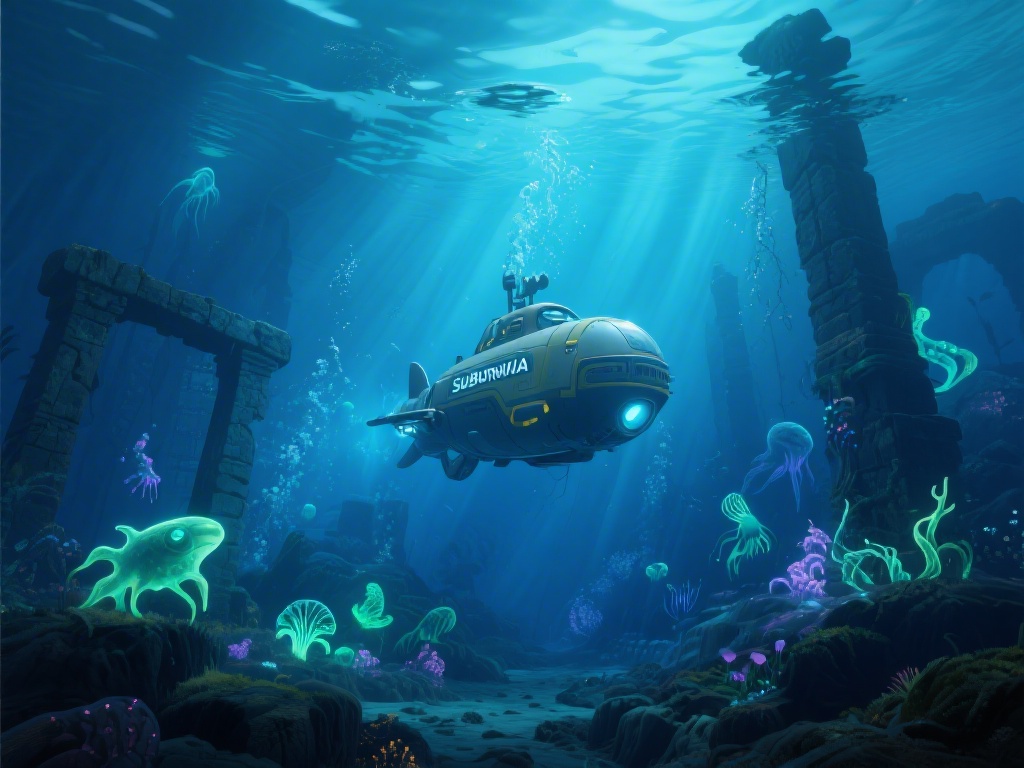
If you’ve burned through every inch of Subnautica’s original 4546B map and are craving a fresh, brutal underwater survival challenge, Subnautica Mercury 2 is the custom campaign you’ve been waiting for. Built by a team of veteran modders with over 3 years of experience creating Subnautica content, this mod adds 8 new biomes, 12 never-before-seen creatures, and a completely original story that ties into the original game’s lore without retconning any of your favorite moments. I’ve spent 40+ hours playtesting every corner of this mod, and I’ve put together all the key info you need to avoid frustrating deaths and missable secrets on your first run.
What Makes Subnautica Mercury 2 Different From the Original Game?
This isn’t just a quick reskin of the original map, it’s a full, standalone campaign built from the ground up for long-time Subnautica fans. Your starting spawn is the half-submerged wreck of the Mercury 2 research vessel, not the Aurora’s life pod, and you won’t have access to many of the early-game conveniences you’re used to from the base game. The entire map is 1.2x larger than the original Subnautica playable area, so you won’t run into familiar landmarks to orient yourself for the first 10+ hours of play.
Progression is deliberately slower, and resources are far more scattered than they are in the base game. You won’t be able to rush a Seamoth within your first two hours of play, and you’ll have to venture into dark, cave systems much earlier to find key crafting materials. There are no invulnerable safe zones even in the starting shallow biomes, so you’ll need to keep an eye out for the new, fast-moving silt sharks that patrol the kelp forests.
Essential Early-Game Tips to Avoid Unnecessary Deaths
Most new players jump into the mod expecting the same gentle early-game curve as the original, and they end up dying within the first 15 minutes. Don’t wander more than 200 meters from the Mercury 2 wreck for the first two hours, even if you see shiny resources glinting in the distance. Your first priority should be crafting a reinforced dive suit before you explore any caves deeper than 50 meters, because the pressure damage in this mod kicks in much earlier than the base game.
These are the three non-negotiable items you need to unlock or craft in your first hour of play:
- Portable oxygen filter: Can be crafted with 2 titanium, 1 fiber mesh, and 1 coral tube sample, and adds 30 extra seconds of oxygen without taking up inventory space. You won’t find this blueprint in the base game, so scan every floating debris crate near the starting wreck to unlock it first.
- Silt shark repellent: Crafted with 2 acid mushroom spores and 1 glass, this 1-use item will scare off any silt sharks that charge you for 2 minutes, which is more than enough time to escape to shallow water.
- Wreck storage locker key: You’ll find this half-buried in the sand 15 meters southwest of the Mercury 2’s rear cargo bay. It unlocks a locker with 4 med kits, 2 batteries, and a free scanner upgrade that cuts scan time in half.
Hidden Biomes and Missable Story Beats You Won’t Want to Skip
One of the best parts of this mod is how much secret content the devs hid off the main progression path, most of which adds a ton of context to the fate of the Mercury 2 crew and their connection to the Alterra mission on 4546B. First, the glowing crystal caves biome is hidden behind a breakable rock wall in the deep kelp forest, around 200 meters deep. You’ll need a laser cutter to get through the wall, so make sure you have one crafted before you go looking for it.
This biome is the only place you can find crystal lithium, which is required to craft the mod’s new deep-dive submarine, the Abyssal Runner. The Abyssal Runner is twice as fast as the original Cyclops, and it can go down to 1500 meters without any upgrades, so it’s well worth the extra effort to track down the crystal lithium you need to build it.
There are 12 hidden PDA entries scattered across the map that reveal the Mercury 2 was sent to 4546B to recover the Aurora’s black box, not to rescue survivors, which adds a dark twist to Alterra’s motives that wasn’t explored in the original game. If you collect all 12 PDA entries, you’ll unlock an alternate secret ending that lets you leave the planet without building the original Neptune rocket. I won’t spoil the ending here, but it’s well worth the extra 5-10 hours of scavenging to find all the entries.
Common Performance and Gameplay Bug Fixes
Since this is a fan-made mod, you might run into a few small glitches when you first start playing, especially if you’re running other Subnautica mods at the same time. First, make sure you’re running the latest stable version of Subnautica, not the experimental branch, because the mod isn’t optimized for experimental builds yet. If you’re getting frame drops in the glowing crystal caves, turn down the particle effects setting in your graphics menu, that fixes 90% of performance issues for most players.
Never install the mod on top of a pre-existing save file, because that will corrupt both your original save and your modded playthrough, and you’ll lose all your progress. If you run into issues where your scanner won’t pick up blueprints, verify the mod files through your mod manager, that’s usually caused by a missing file during the download process. If you’re playing on a laptop with integrated graphics, you might want to lower the render distance to 800 meters or less, because the larger map can put extra strain on lower-end hardware. Most bugs are small and easy to fix, and the mod team releases patches every few weeks to address any reported issues.
At the end of the day, Subnautica Mercury 2 is one of the most polished, well-crafted custom mods I’ve ever played for any survival game, and it’s well worth the download if you’re a long-time Subnautica fan looking for a new challenge. Take your time exploring, don’t rush the early game progression, and keep an eye out for all the hidden secrets the devs scattered across the map, and you’ll have an amazing time diving through the new biomes. If you have your own favorite tips for the mod, drop them in the comments below to help other players out.