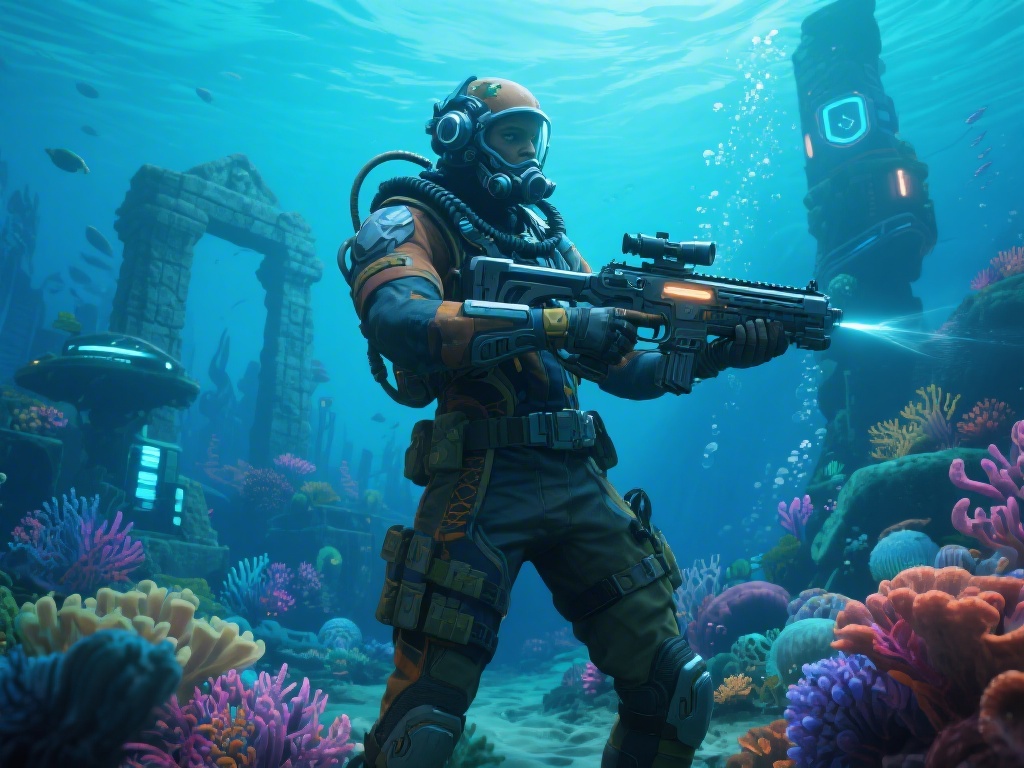
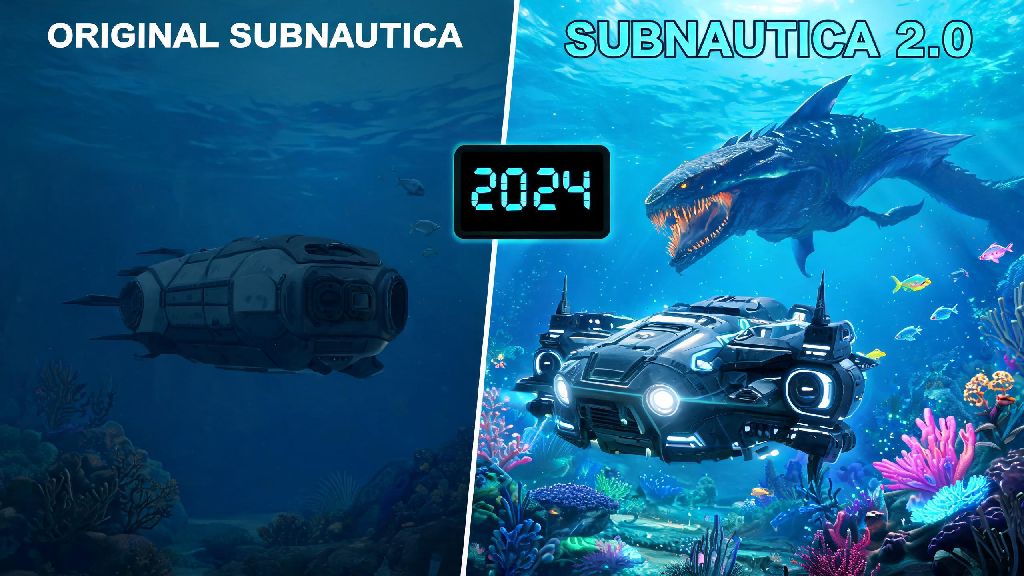
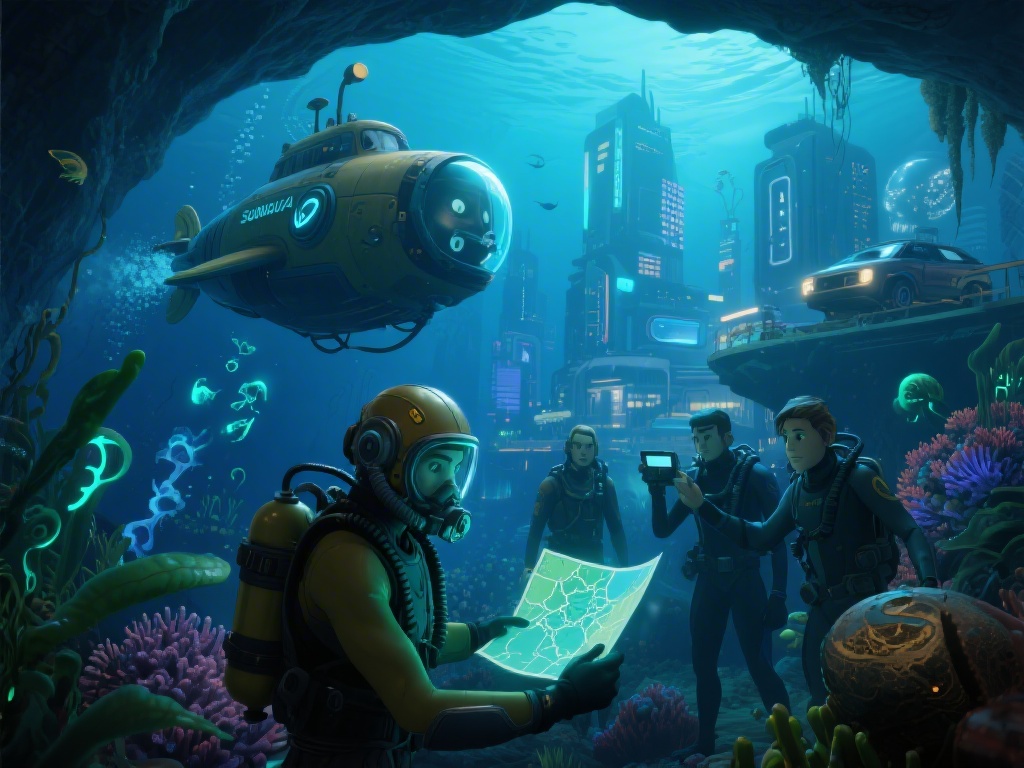
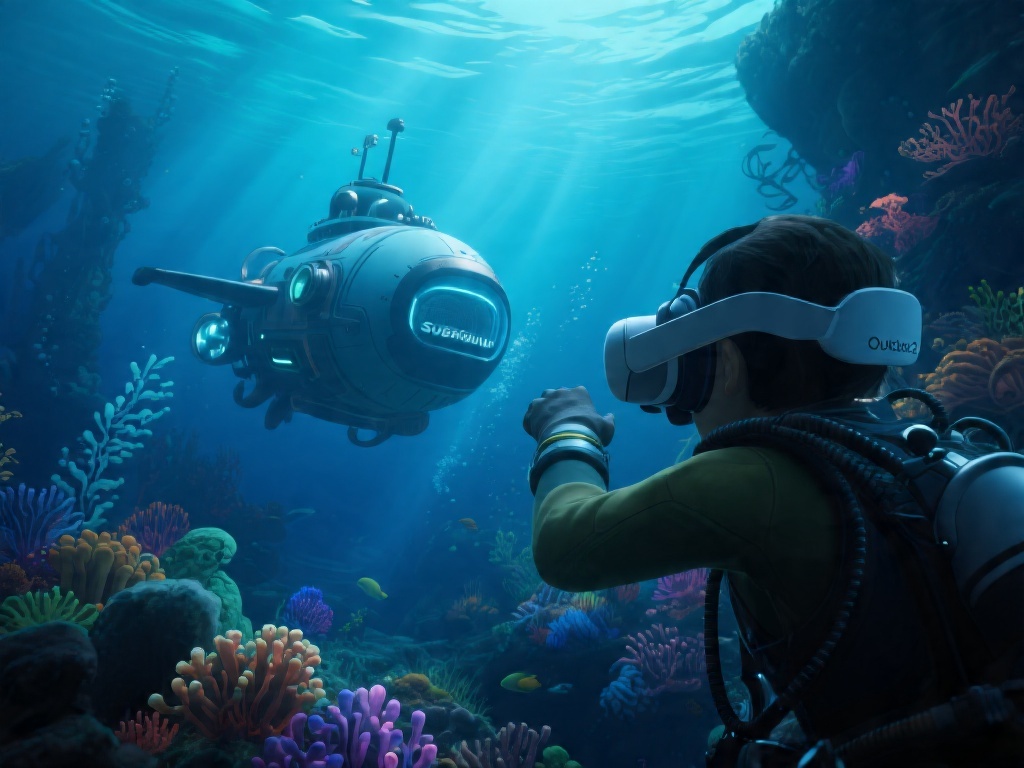
After logging over 200 hours in the original Subnautica across PC and PS4, I cleared my entire weekend schedule the second the Subnautica 2.0 PS5 update went live. I went in expecting a few minor bug fixes and quality of life tweaks, but the update completely revamped how the game feels on console. If you’re a returning player who hasn’t touched the game in years, or a brand new player just picking it up for the first time, this guide covers everything you need to know to get the most out of your underwater adventure. I’ve tested every feature, run into every common bug, and found all the little hidden changes that make this update worth replaying the entire game for.
What Makes the Subnautica 2.0 PS5 Update Stand Out From Previous Console Versions
The original PS4 port of Subnautica was fun, but it had a lot of frustrating limitations that pulled you out of the immersive underwater world. Loading screens could take over a minute to spawn you into your saved game, dense biomes like the Lost River would drop to 15 fps during intense encounters, and the audio was flat so you could never tell if a Reaper Leviathan was sneaking up behind you until it was too late. The 2.0 update fixes almost all of these issues, and adds a few console-exclusive features that make the PS5 version even better than the base PC release for many players.
The first thing you’ll notice when you boot up the update is how smooth everything runs. 60fps performance across all biomes is the standard for the default performance mode, even when you’re surrounded by schools of fish, swimming through active thermal vents, or fighting off a Sea Dragon Leviathan. If you prefer better visual quality over frame rate, you can switch to quality mode for native 4K resolution and soft ray-traced water reflections, perfect for taking screenshots for your social media. You won’t want to use quality mode for regular play though, as the 30 fps cap makes fast movements like swimming away from hostile creatures feel sluggish.
Two other game-changing additions are tied to PS5 hardware features. 3D spatial audio for creature and environmental cues means you can exactly pinpoint where a Reaper’s roar is coming from, or follow the faint beep of scan-able fragments without wandering aimlessly through dark caves. DualSense adaptive trigger and haptic feedback support adds a level of immersion I didn’t know I needed: the scan tool puts gentle pressure on the trigger when it locks onto a fragment, the propulsion cannon gets heavier the more mass it’s carrying, and you can feel the rumble of distant underwater earthquakes through the controller before you see the screen shake.
Hidden Quality of Life Changes You Might Miss On Your First Playthrough
Most of the marketing for the 2.0 update focused on performance and graphical upgrades, but the best changes for long-time players are the small quality of life tweaks that cut out all the annoying parts of the original game. I didn’t notice most of these until 5 hours into my playthrough, and each one made me wonder how I ever put up with the original version for so long. None of these changes break the core survival loop that made Subnautica famous, they just remove the tedious parts so you can spend more time exploring.
Some of the most useful unannounced changes include:
- Increased resource stack sizes for all common crafting materials, cutting down on inventory clutter by 50% for most playstyles
- One-click recipe pinning that stays visible on your HUD while you explore, so you don't have to re-open your PDA every two minutes to check what materials you need
- Auto-save trigger after you complete major story beats, so you won't lose hours of progress if your console crashes mid-exploration
- Adjusted creature spawn rates for early biomes, so new players won't run into a Reaper Leviathan 10 minutes into their first playthrough
I also love the new quick-access locker feature, which lets you open any exterior base locker directly from outside without having to go through a hatch. I used to spend 10 minutes every trip just running through my base grabbing supplies before a long dive, now I can pull up to my storage deck on my Seamoth and grab everything I need in 30 seconds. The auto-save feature after major story milestones saved me twice during my playthrough, once when my console crashed right after I found the alien thermal plant, and once when I lost power mid-save after a particularly nasty Reaper attack.
Gameplay Tips to Get the Most Out of Your Subnautica 2.0 PS5 Run
Even if you’ve beaten Subnautica three times like I have, the 2.0 update changes just enough that a few small tips will help you avoid mistakes and get the most out of your playthrough. I tested all of these during my recent run, and they cut my total playtime by almost 10 hours while helping me find a bunch of hidden Easter eggs I’d never seen before. You don’t have to follow all of these, but they’ll make your first run a lot less frustrating, especially if you’re new to the game.
First, stick to performance mode for almost all playthroughs. The ray tracing in quality mode looks nice, but the 60 fps in performance mode makes swimming feel far more responsive, and the spatial audio works exactly the same across both modes. Only switch to quality mode if you’re stopping to take screenshots or videos of pretty biomes. You should also make use of the DualSense feedback cues as an extra survival tool: if you feel random, low-frequency rumbles when you’re swimming through open water, that means there’s a large hostile creature within 100 meters of you, even if you can’t see or hear it yet. I avoided three surprise Reaper attacks using this trick alone.
Take advantage of the new recipe pinning feature to track fragments for your favorite vehicles early. I pinned the Cyclops recipe as soon as I built my first base, and was able to collect all the required fragments in under two hours by following the scan beeps directly to their locations, instead of wandering around the map guessing where they might spawn. You should also customize your quick bar to include all your most used tools: the 2.0 update expanded the quick bar from 5 slots to 12, so you can carry your scanner, repair tool, knife, first aid kit, propulsion cannon, and flashlight all on your main bar without having to swap through menus mid-fight.
Common Bugs and Fixes for the Subnautica 2.0 PS5 Update
For the most part, the 2.0 update is extremely polished, especially compared to the original PS4 launch. I only ran into four noticeable bugs during my 35 hour playthrough, and all of them have simple workarounds that take less than a minute to implement. The devs are still rolling out small hotfixes for rare issues, but these tips will help you avoid losing progress or running into frustrating glitches while you play.
The most common bug I heard other players complain about is the disappearing base bug, where part or all of your base vanishes when you load a saved game. I ran into this once 15 hours into my playthrough, and lost an entire storage locker full of rare materials. The fix is simple: always double-save before exiting your game. Save once normally, wait 10 seconds, then save again in a separate slot before closing the game. I did this for the rest of my playthrough and never ran into the bug again. Another common bug is DualSense feedback cutting out randomly, which usually happens if you leave the game running in rest mode for more than a few hours. The fix is just to close the game completely and restart it, or unplug your controller and plug it back in if you don’t want to lose your current progress.
A rarer but more annoying bug is hostile creatures spawning inside your base, usually if you build your base too close to a Reaper or Warper spawn point. If you run into this, just reload your last save and move any exterior base pieces at least 50 meters away from the spawn zone. You can also avoid this entirely by building your main base in the Safe Shallows or Grassy Plateaus, where no large hostile creatures spawn naturally. The last bug I encountered was Seamoth controls freezing mid-dive, which only happened when I had all four upgrade slots filled with modifications. Removing one upgrade fixed the issue immediately, and the devs are reportedly working on a patch for this specific glitch.
Whether you’re returning to Planet 4546B after years away or diving in for the very first time, the Subnautica 2.0 PS5 update is easily the best way to experience one of the best survival games ever made. It fixes almost all the frustrations of the original console port, adds enough new features to feel fresh, and runs like a dream on Sony’s current-gen hardware. Don’t rush through the story – take time to explore the small, hidden corners of the map, and you’ll find all sorts of fun surprises the devs snuck into this update. I’m already planning my second permadeath run, and I can’t wait to see what other little details I missed the first time around.