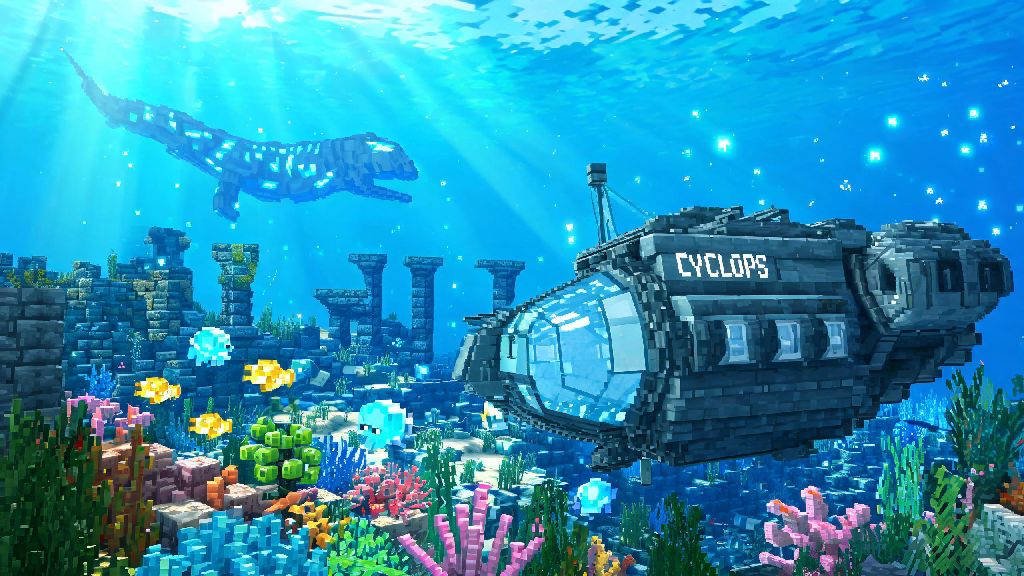
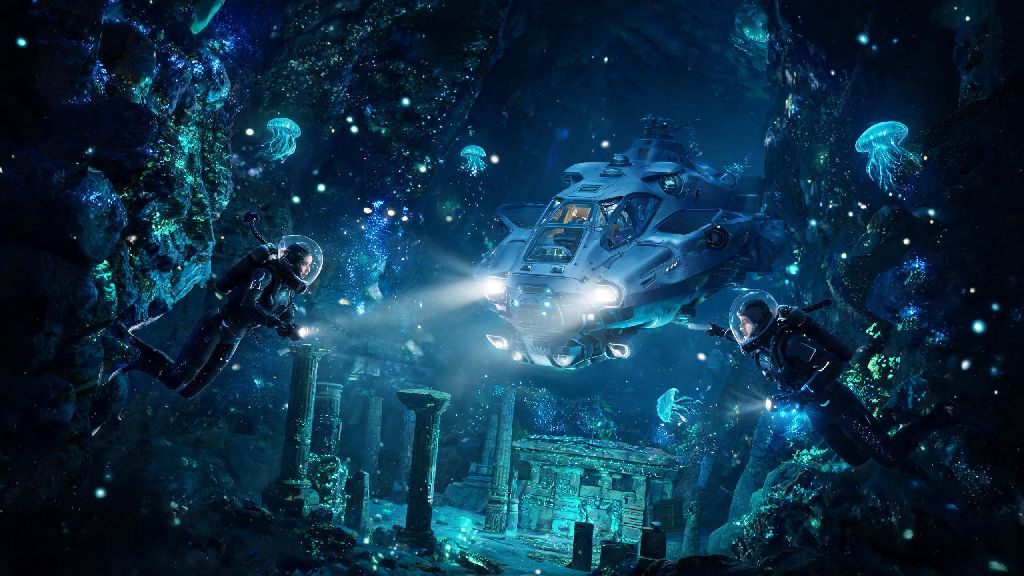
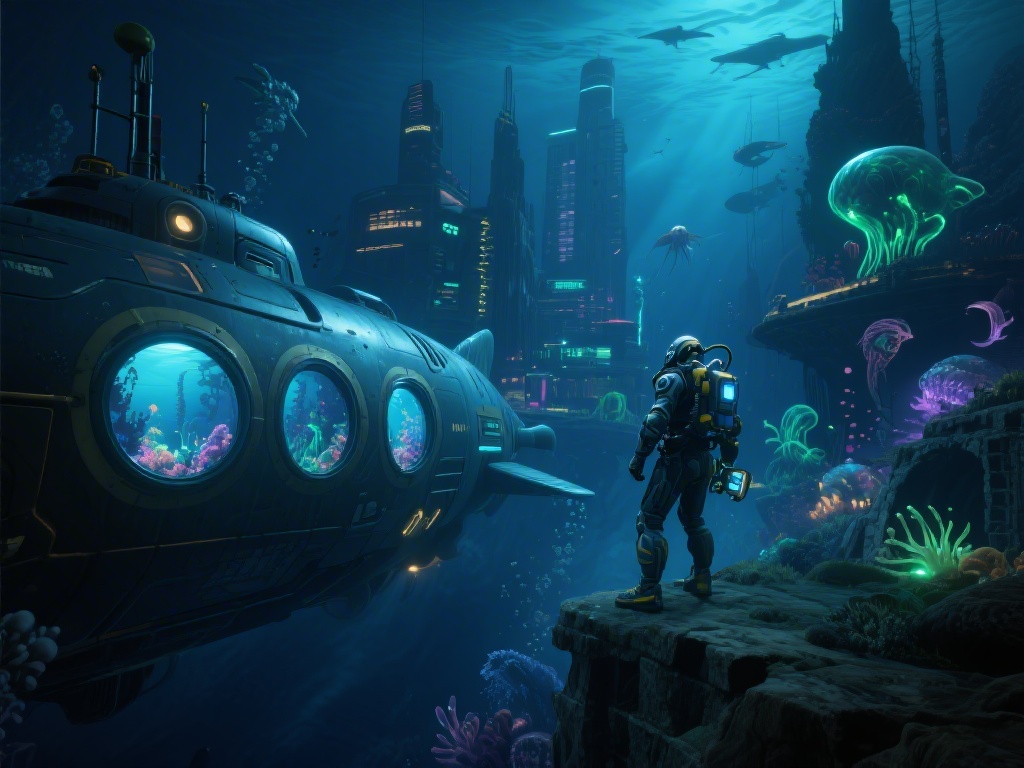
If you’ve spent hours diving through the alien oceans of the original Subnautica, you’re probably eager to know every detail about the upcoming sequel, from new biomes to creature mechanics. One of the most underdiscussed but critical elements that will make or break your play experience is the Subnautica 2 game engine. It’s the backbone of everything you see, interact with, and modify in the game, and it brings a ton of upgrades that fix many of the pain points players had with the first title. I’ve spent months digging through dev diaries, playtest leaks, and official updates to break down exactly what you can expect, whether you’re here to run the game on a mid-range PC or build custom mods for your friend group.
Core Tech Powering the Subnautica 2 Game Engine
After years of working with a modified version of Unity for the original Subnatica and Below Zero, Unknown Worlds Entertainment made the jump to Unreal Engine 5 for the sequel. That might sound like a boring technical detail on the surface, but it changes almost every part of how the game feels to play. Unreal Engine 5’s Nanite geometry system means you can swim hundreds of meters away from a coral reef or a wrecked ship and still see every tiny detail, no blurry low-poly pop-in like you saw in the first game. Lumen global illumination also makes the underwater lighting feel far more realistic, with light filtering through waves, bouncing off bioluminescent flora, and casting dynamic shadows as large creatures swim past you. I noticed in the recent closed playtest clips that even deep, dark cave systems feel layered and immersive, rather than just flat black screens with a few glowing plants scattered around.
Performance Upgrades for All PC Builds
One of the biggest complaints about the original Subnautica was how poorly it ran on mid-range and lower-end PCs, especially once you built large bases or explored dense biomes. The new engine fixes a lot of those issues, with built-in optimization tools that the dev team has been tweaking for over two years now. You don’t need a top-of-the-line GPU to run the game at 60 FPS on medium settings, according to official minimum spec releases. The only downside right now is that very high-end settings like full ray tracing require a 30-series GPU or better to run smoothly, so you’ll have to turn those off if you’re on older hardware. Even if you’re running a 1660 Super or similar 5-year-old card, you’ll still get smooth performance in most biomes, as long as you tweak a few key settings:
- Turn off ray tracing if you’re getting frame drops in deep biomes; Lumen’s default lighting already looks great and uses far less power
- Limit base building to 200-300 pieces if you’re on a lower-end PC, as the engine still struggles with very large custom structures in high-traffic areas
- Turn off VSync if you notice input lag when swimming or turning quickly, even if it means you get occasional screen tearing
Mod Support and Customization Capabilities
Modders were the backbone of the original Subnautica community, creating everything from new biomes to quality of life fixes that made the game far more accessible for all types of players. The dev team has stated multiple times that they want to keep that community spirit alive with the sequel, and the Unreal Engine 5 framework makes modding far easier than it was on the old custom Unity build. Official modding tools will be available on launch day, so you won’t have to wait months for modders to figure out how to edit game files. The Subnautica 2 game engine’s native support for Unreal Engine modding frameworks means most popular mods from the original game will be ported over within weeks of launch. You’ll be able to add custom creatures, build new base pieces, or even create entire new story campaigns without having to learn complicated coding skills. That means we’ll likely see thousands of mods available within the first month of launch, which will extend the game’s lifespan by years, just like it did for the original title. I’m personally most excited for the custom difficulty mods that let you tweak how much oxygen you carry or how aggressive creatures are, so you can make the game as relaxed or as terrifying as you want.
How the Engine Improves Core Gameplay
All these technical upgrades don’t just make the game look better or run smoother, they actually change how you play the game. For example, the lack of pop-in means you can spot distant shipwrecks or dangerous predators from much farther away, so you can plan your dives more carefully instead of being caught off guard by a leviathan that pops into existence 10 meters in front of you. Dynamic physics systems also let you interact with the environment in far more realistic ways, so you can move large debris to access hidden cave entrances, or use floating objects to transport resources back to your base without having to make multiple trips. The Subnautica 2 game engine also uses advanced AI pathing for creatures, so leviathans won’t get stuck on terrain or spawn directly on top of you like they sometimes did in the original. The engine also supports far larger map sizes, so the sequel’s ocean is four times the size of the original game’s map, with no loading screens when you travel between biomes. You won’t have to sit through loading screens every time you travel between shallow reefs and deep ocean trenches, which makes long exploration sessions feel far more seamless. I never realized how much loading screens broke the feeling of being underwater until I played the playtest build, and it’s a game-changer for people who love to explore for hours without interruptions.
At the end of the day, the Subnautica 2 game engine is far more than just a technical upgrade for the series. It fixes almost all of the most common complaints players had about the original title, while opening up new possibilities for gameplay, customization, and community content. Whether you’re a casual player who just wants to run the game smoothly on your existing PC, a modder who wants to build custom content for the community, or a hardcore fan who wants to explore the largest, most immersive alien ocean ever made, the new engine delivers on every front. We’re still a few months out from launch, but everything we’ve seen so far suggests it will be well worth the wait.