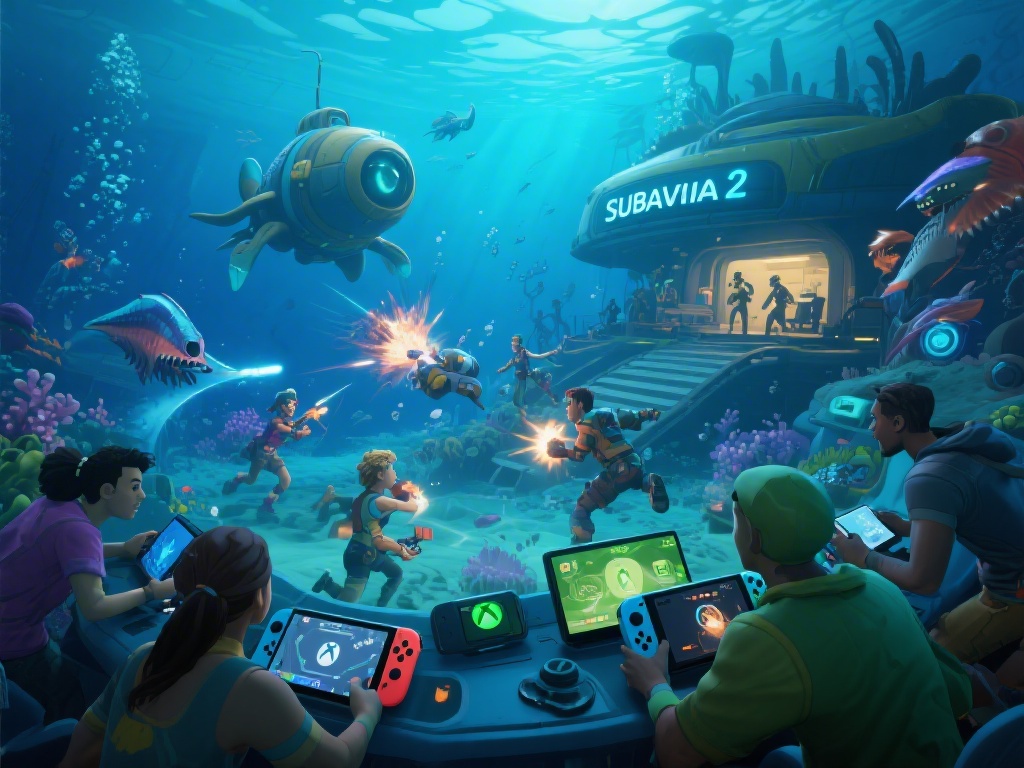
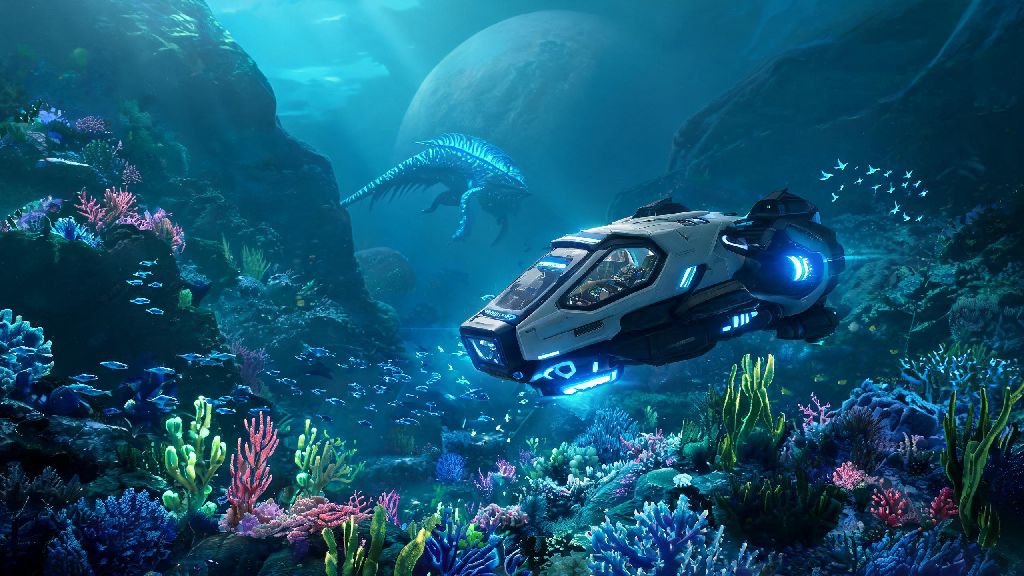
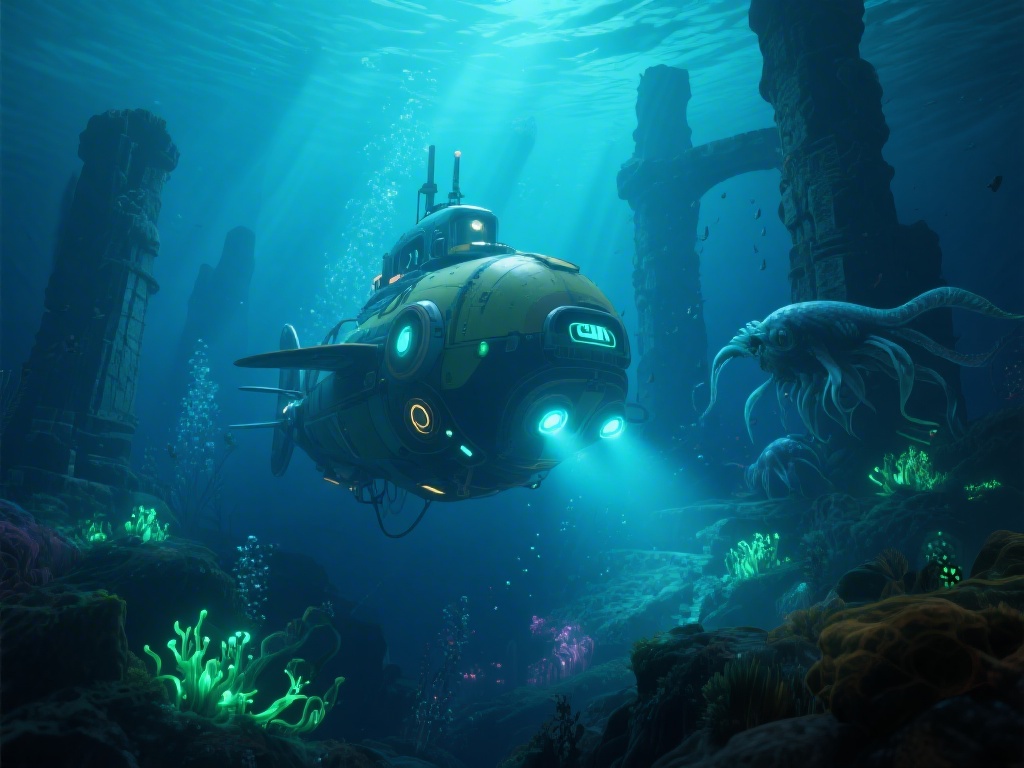
If you’ve ever spent hours drifting through the kelp forests of 4546B, avoiding Reaper Leviathans while hauling a load of titanium back to your base, you’ve probably wondered if you can bring a friend along for the ride. If you’ve asked is Subnautica a 2 player game while staring at the main menu looking for a co-op button, you’re far from the only one. Millions of Subnautica fans have fallen in love with the game’s tense, immersive survival gameplay, and many want to share that experience with other people. This guide breaks down everything you need to know about playing Subnautica with a second player, from official support status to mod setup tips and common pitfalls to avoid.
Is Subnautica a 2 Player Game in Its Default, Unmodded State?
The short answer to this question is no. Developer Unknown Worlds built Subnautica from the ground up as a single-player focused experience, and the base game has no native 2 player, co-op, or multiplayer features of any kind. The entire game’s design is centered around the feeling of being stranded alone on an alien ocean planet, and that isolated tension is a core part of what makes the story work so well. If you only play unmodded, vanilla games and were asking is Subnautica a 2 player game for your unaltered copy, the answer is a hard no.
Unknown Worlds has stated multiple times that they have no plans to add official co-op support to the original Subnautica. The game’s codebase was built for single-player only, and retrofitting it for multiplayer would require rebuilding huge portions of the game’s core systems, which would take years of development and risk breaking existing single-player saves for millions of players. Even the sequel, Subnautica: Below Zero, has no native co-op support, as it follows the same design philosophy of prioritizing a tight, single-player narrative experience.
That doesn’t mean you can’t play with a friend at all, though. The Subnautica community has spent years building reliable mods that add fully functional multiplayer support to the game, and most of these mods are easy to install even if you have no experience modding games before.
How to Play Subnautica With a Friend Using Mods
The most popular and stable multiplayer mod for Subnautica is called Nitrox, a community-made, open-source mod that has been in active development for over six years. Nitrox adds fully functional online co-op support for up to dozens of players, though most people play in small groups of 2 to 4. It works with all official copies of the original Subnautica, and has partial support for Subnautica: Below Zero as of 2024.
Before you download and install the mod, there are a few key things you need to have ready to avoid common setup issues:
- A legal, updated copy of the original Subnautica (purchased through Steam, Epic, or another official platform; pirated copies will almost always fail to connect)
- The latest version of the Nitrox mod, downloaded directly from its official distribution page (avoid random third-party sites to skip malware risks)
- A stable internet connection with at least 10 Mbps upload speed if you’re hosting the server for other players
- Matching mod versions for every player joining your game, even small version mismatches will cause crashes or missing content
Setup is straightforward once you have all those pieces in place. Run the Nitrox launcher, select your Subnautica game folder, and choose to either host a new server or join an existing one using the host’s IP address or server code. Most common connection issues are caused by mismatched mod versions or outdated game files, so double check those first if you can’t connect to a friend’s server. You’ll also want to uninstall any other gameplay mods you have installed before setting up Nitrox, as most custom content mods will conflict with the multiplayer mod and cause crashes.
I had to uninstall a custom biomes mod I was testing when I first set up Nitrox with my roommate, but it was well worth the effort. We spent 10 minutes laughing so hard we could barely breathe when a Reaper Leviathan snuck up behind his Seamoth and sent it flying across the safe shallows 20 minutes into our first playthrough.
Key Pros and Cons of 2 Player Subnautica Gameplay
Playing Subnautica with a friend is a completely different experience from playing alone, and it has both big benefits and notable downsides depending on what you want out of the game. It’s not a perfect experience, since it relies on a community mod rather than official support, but for most people the fun of shared exploration outweighs the minor frustrations.
The biggest pros of 2 player Subnautica are pretty obvious. You can split up to gather resources twice as fast, so you can build bigger bases and upgrade your gear far quicker than you can in single-player. One of the best perks is having a second pair of eyes to spot leviathans before they sneak up on you while you’re focused on mining lithium or quartz in deeper biomes. Sharing big story moments like the Sunbeam event or finding the first alien facility is also way more fun with a friend to react with, and splitting tedious tasks like farming food or charging batteries cuts down on a lot of the game’s grind.
There are downsides too, though. Even with the most stable version of Nitrox, you will run into occasional desyncs, crashes, or random missing items. I once spent 10 minutes scanning a Prawn Suit fragment that didn’t exist on my friend’s server, because the desync made it show up on my screen but not on the server’s. Save your game every 15 to 20 minutes when playing with a friend to avoid losing hours of progress to a random crash. Some story triggers also don’t activate correctly for all players, so one person might see a cutscene while the other misses it entirely, or quest markers might not update for everyone in the group.
You also lose some of the tense, isolated vibe that makes Subnautica so iconic when you play with another person. Having a friend to back you up means you can tackle dangerous biomes like the lava zone far earlier than intended, which can take away some of the fear that makes exploring the planet feel so high-stakes. If you’re playing Subnautica for the first time, I highly recommend finishing the single-player campaign first before trying co-op, so you get the full, intended experience of being stranded alone on an alien world.
Top Tips for a Smooth 2 Player Subnautica Playthrough
After running through three full co-op playthroughs with different friend groups, I’ve picked up a handful of tips that make the experience way less frustrating and way more fun. Most of these are small, simple changes that fix 90% of the common issues people run into with modded multiplayer.
First, assign loose roles early on. Have one person focus on gathering building resources and expanding the base, while the other focuses on scanning fragments and exploring new biomes. You don’t have to stick to these roles permanently, but it avoids wasting time when both of you end up gathering the same resource for an hour. If you’re hosting the server, close any other bandwidth-heavy apps like streaming software or cloud backup tools while playing to reduce lag for everyone.
Second, set clear base rules before you start playing. Agree that no one takes each other’s upgraded tools or drives the Cyclops without asking, mark shared storage chests for rare resources like kyanite or ion cubes, and make a rule that no one explores the void without telling the other person first. My group keeps a shared chest right next to the base entrance full of extra water, food, and first aid kits, so no one has to scramble for supplies when they come back from a long trip half-dead.
Third, don’t be afraid to adjust server settings to fit your playstyle. You can tweak resource spawn rates, leviathan spawns, and damage taken in the server config files, so you can make the game more casual for a relaxed playthrough or harder if you want a bigger challenge. If you run into persistent desync issues where items aren’t showing up for all players, restarting the server usually fixes 90% of common problems without you having to reinstall anything.
Finally, make sure you only download mods from trusted sources. Never install multiplayer mods from untrusted random sites, as many fake Nitrox downloads are loaded with adware or malware that can harm your device. Stick to the official mod page to avoid unnecessary risks.
If you were wondering is Subnautica a 2 player game, the short answer is no for the unmodded base game, but yes if you’re willing to use community-made mods to add co-op support. It’s not a perfect experience, and you will run into occasional bugs or crashes, but it’s well worth the effort if you’ve already beaten the single-player campaign and want a new way to explore the world of 4546B with a friend. Just make sure you both agree on who gets to drive the Cyclops first, because that argument ended my first co-op playthrough two hours in before we even found our first Seamoth fragment.