If you’ve ever spent 45 minutes hunting for nickel ore just to craft one depth upgrade, or died to a reaper leviathan for the third time in a row when you’re 20 minutes from your nearest base, you’ve probably wondered if there’s a faster way to enjoy everything Subnautica has to offer. You don’t have to grind every resource or survive every hostile encounter to have a good time on planet 4546B, and that’s where learning how 2 use Subnautica cheat codes comes in. This guide will walk you through exactly how to activate them, which codes are most useful, and how to avoid common mistakes that can ruin your save or take the fun out of the game. I’ve tested every code on this list across both the original Subnautica and Below Zero, so you don’t have to waste time troubleshooting broken commands or corrupted files.
How to Enable the Console to Use Subnautica Cheat Codes
Before you can enter any cheat commands, you first need to enable the debug console, which is hidden by default on all PC versions of the game. Note that official console versions of Subnautica (PlayStation, Xbox, Switch) do not support native cheat codes, so these steps only work for Steam, Epic, and Microsoft Store PC copies. To start, open your game launcher, right click on Subnautica, select Properties, and add "-console" (no quotes) to the launch options field.
Once you boot up the game, press F3 to open the debug overlay menu. You’ll see a box checked that says "Disable Console" – uncheck that to activate the command line. If your mouse is locked to the screen, press F8 to free your cursor so you can click the box. Press F3 again to close the overlay, then press the Enter key to pull up the text box where you can type your cheat codes.
Always back up your save file before using any cheat codes – even harmless commands can occasionally glitch if you use them at the wrong point in the story, so a backup means you never lose hours of progress. Most codes won’t give you a confirmation message when entered, so you’ll see the effect take place immediately after you press Enter to submit them.
Most Useful Subnautica Cheat Codes for Every Playstyle
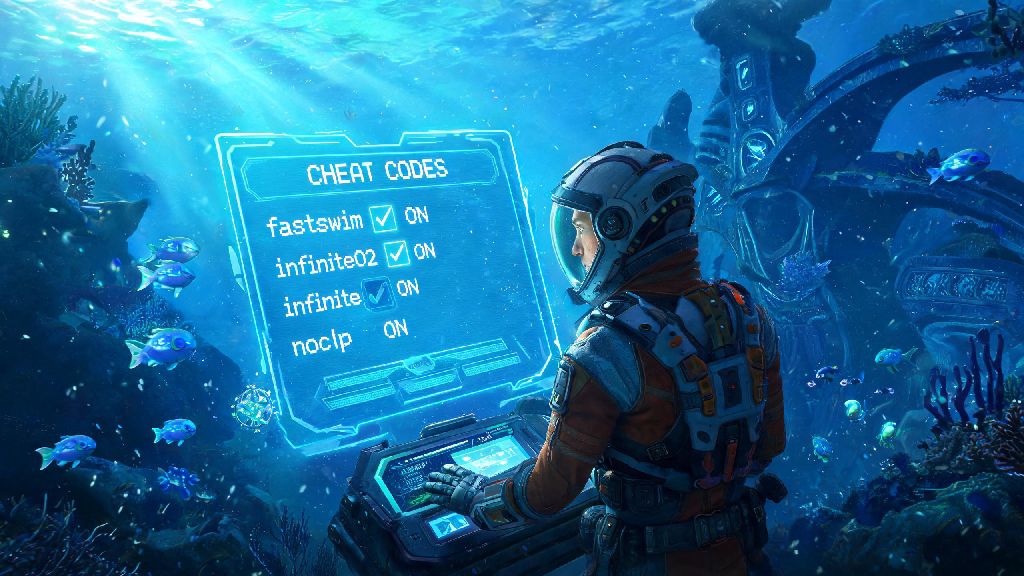
Not all cheats are made equal, and some are far more practical than others depending on what you want to get out of your playthrough. If you’re a new player, stick to simple, low-impact codes first to avoid accidentally breaking your game. If you’re a returning player who’s already beaten the game, you can experiment with more creative commands to mess around with the world. Below are the most reliable, useful codes you can use right away:
You can find full lists of item names and additional commands online, but stick to codes you understand to avoid glitches. I once spawned the alien rifle before I found the precursor base where it’s supposed to be unlocked, and it broke the entire quest line associated with the item, so I had to reload an earlier save to fix it. Avoid spawning story-specific items unless you’ve already beaten the game once and know how the plot progresses.
Pros and Cons of Using Subnautica Cheat Codes
There’s no right or wrong way to play Subnautica, but it’s important to know the tradeoffs of using cheats before you start entering commands. The biggest benefit is that you can skip parts of the game you find frustrating. If you hate grinding for rare resources, or if you keep dying to the same hostile creature over and over, cheats let you move past that roadblock and get back to the parts of the game you enjoy. For players with limited free time, cheats also let you experience the full 30+ hour story without having to invest dozens of extra hours into grinding for upgrades.
The biggest downside is that using cheats can take away the sense of accomplishment that makes Subnautica’s survival loop so satisfying. If you turn on god mode and nocost right from the start, you won’t feel the same rush of excitement when you finally build your first cyclops or reach the lava zone for the first time. Cheats can also break story progression if you use them incorrectly, as I learned with the alien rifle mishap, so you have to be careful about when and where you use them.
Another small tradeoff is that enabling the console will disable Steam achievements for your current playthrough. If you care about unlocking all the game’s achievements, you’ll want to hold off on using cheats until you’ve earned all the ones you want, or use cheats on a separate, secondary save file. At the end of the day, though, the only person who gets to decide if cheats are worth it is you.
Tips to Use Subnautica Cheat Codes Without Ruining Your Game
Start with small, low-impact cheats first if you’re new to using commands. Instead of turning on god mode and nocost right away, try spawning a few extra resources when you’re stuck, or using warpme when you’re lost and don’t want to restart your entire expedition. That way you still get to experience the core survival loop, but you don’t have to deal with the small, frustrating parts that can make the game feel like a chore.
Only use cheats in separate playthroughs if you want to keep your first run authentic. If you’re playing Subnautica for the very first time, I strongly recommend beating the game without cheats first, so you can experience the full tension and reward of surviving on a hostile alien planet. Once you’ve beaten it once, you can use cheats to mess around, build crazy floating bases, or explore every corner of the map without pressure.
Avoid using cheats during key story moments. If you’re in the middle of a cutscene or about to unlock a major story beat, don’t enter any commands, as this can cause the game to crash, freeze, or break quest triggers entirely. Disable cheats when you don’t need them to avoid accidentally activating a command you don’t want. If you’re done using the console, you can re-check the "Disable Console" option in the F3 menu to prevent you from opening the text box by mistake while you’re playing.
If you’re playing with mods, make sure your mods are compatible with the debug console. Some large overhaul mods change how cheat codes work, or disable them entirely, so check the mod description before you try to use any commands. Never use cheats in a multiplayer server unless the server owner explicitly allows it, as most public servers ban players for using commands to get an unfair advantage.
At the end of the day, Subnautica is a game that’s meant to be fun for you, no matter how you choose to play it. Whether you want to grind every resource and survive every encounter fair and square, or use cheats to skip the parts you don’t enjoy, the choice is entirely yours. Knowing how 2 use Subnautica cheat codes gives you more control over your playthrough, so you can focus on the parts of the game you love most. Just remember to back up your saves, avoid messing with story items before you’re ready, and don’t let anyone tell you you’re playing the game wrong.